Point of sale for small businesses
Mercavo POS turns your phone, tablet or Windows PC into a till. Ring up sales, take cash, card or e-wallet, and give the customer an order bill. Everything is saved on your device.
Free on iPhone, iPad and Android, with ads. One purchase removes them. On Windows you buy it once and there are no ads.
No account
Open the app and start selling. There’s nothing to sign up for.
Stays on your device
Products, sales and reports are saved on your phone, tablet or PC, not on a server.
No subscription
Every feature is free on mobile, and one optional purchase removes the ads. On Windows you pay once.
Anyone who sells over a counter.
Corner & sari-sari stores
Quick counter sales, and stock that goes down as you sell.
Cafés & food stalls
Ring up drinks and snacks quickly and take cash or e-wallet.
Market & bazaar vendors
Your phone is the till, so you can sell from any stall.
Load & top-up sellers
Sell load and other services that don’t use stock.
Repair & service counters
Put the labour and the parts on the same order bill.
Small shops of every kind
If you sell over a counter, it will work for you.
From adding items to handing over the bill.
Ring up a sale
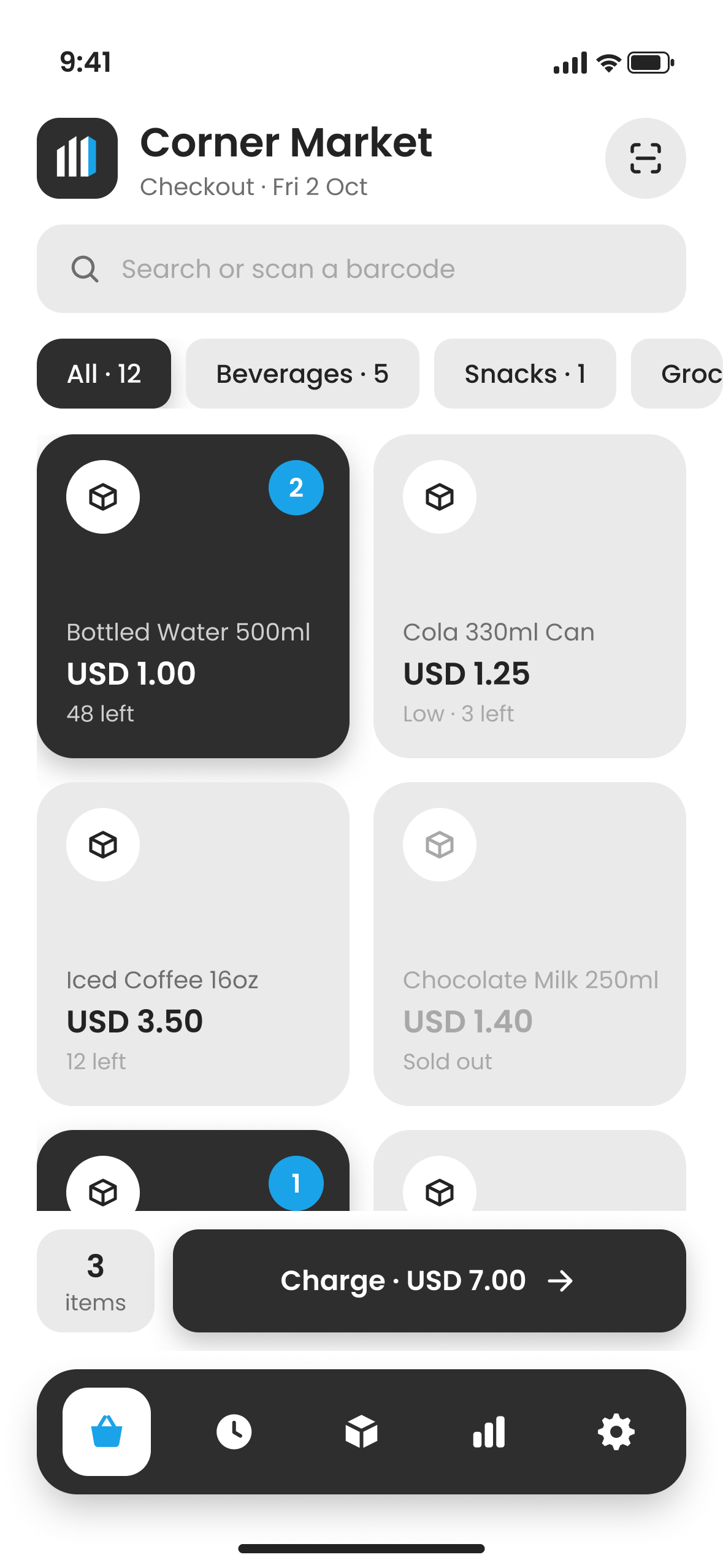
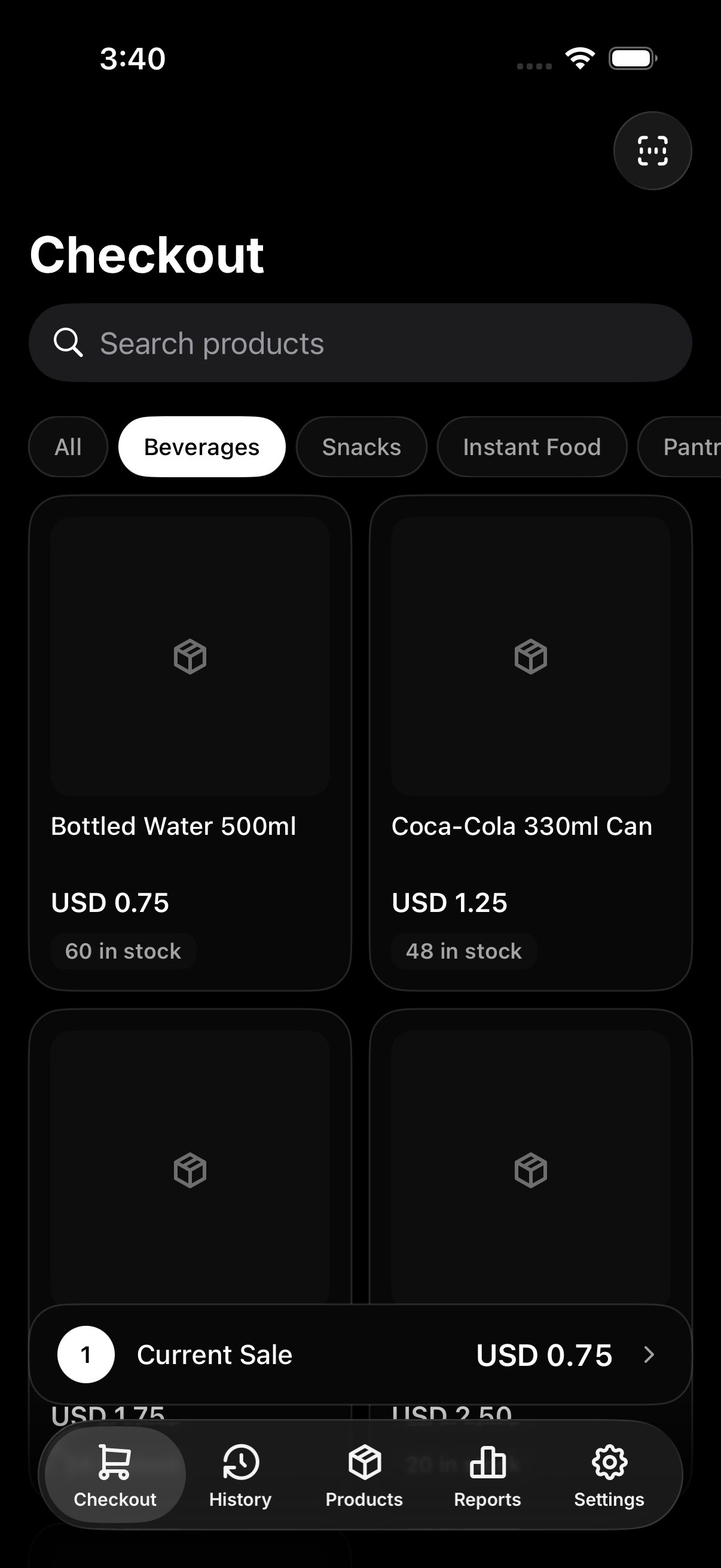
Tap products to add them, search by name, or scan a barcode. The total stays on screen the whole time.
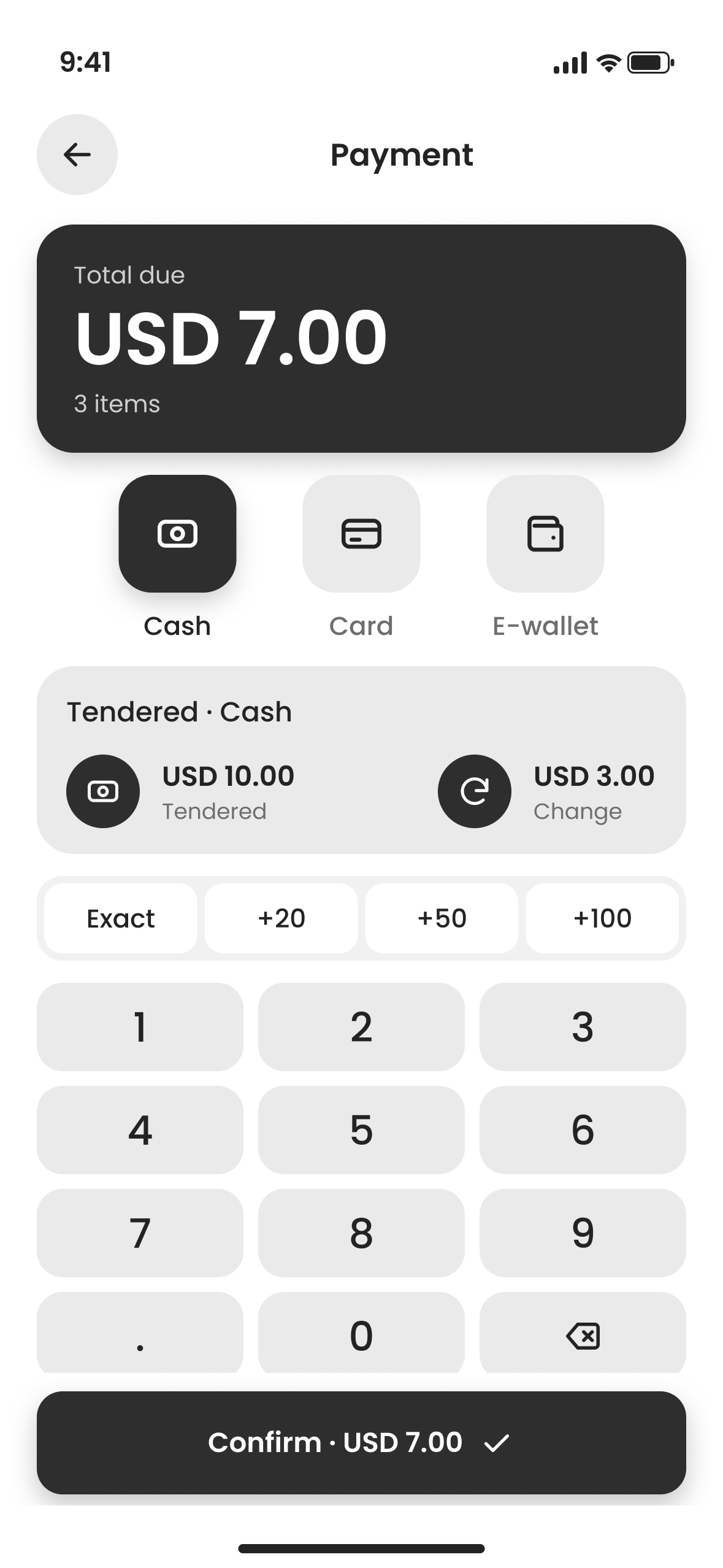
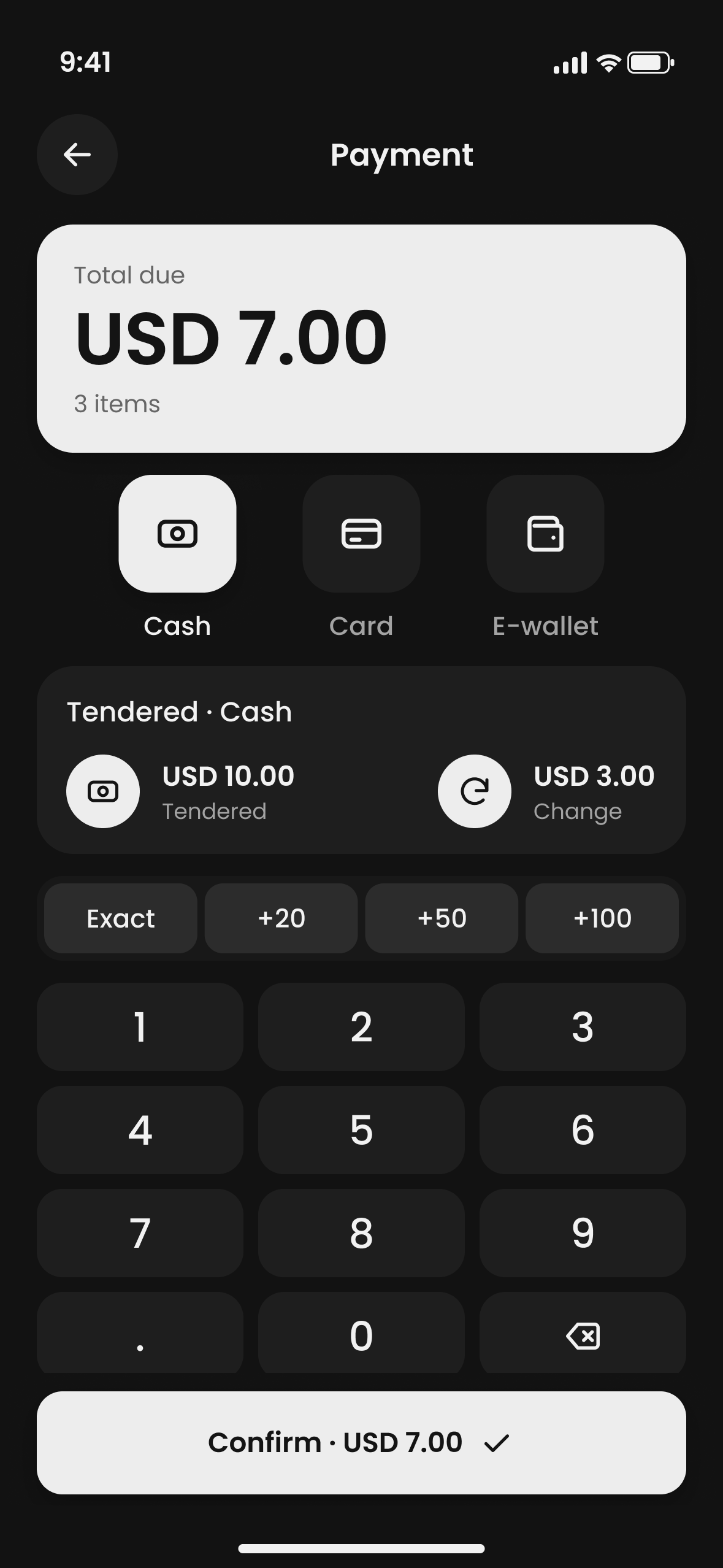
Take payment
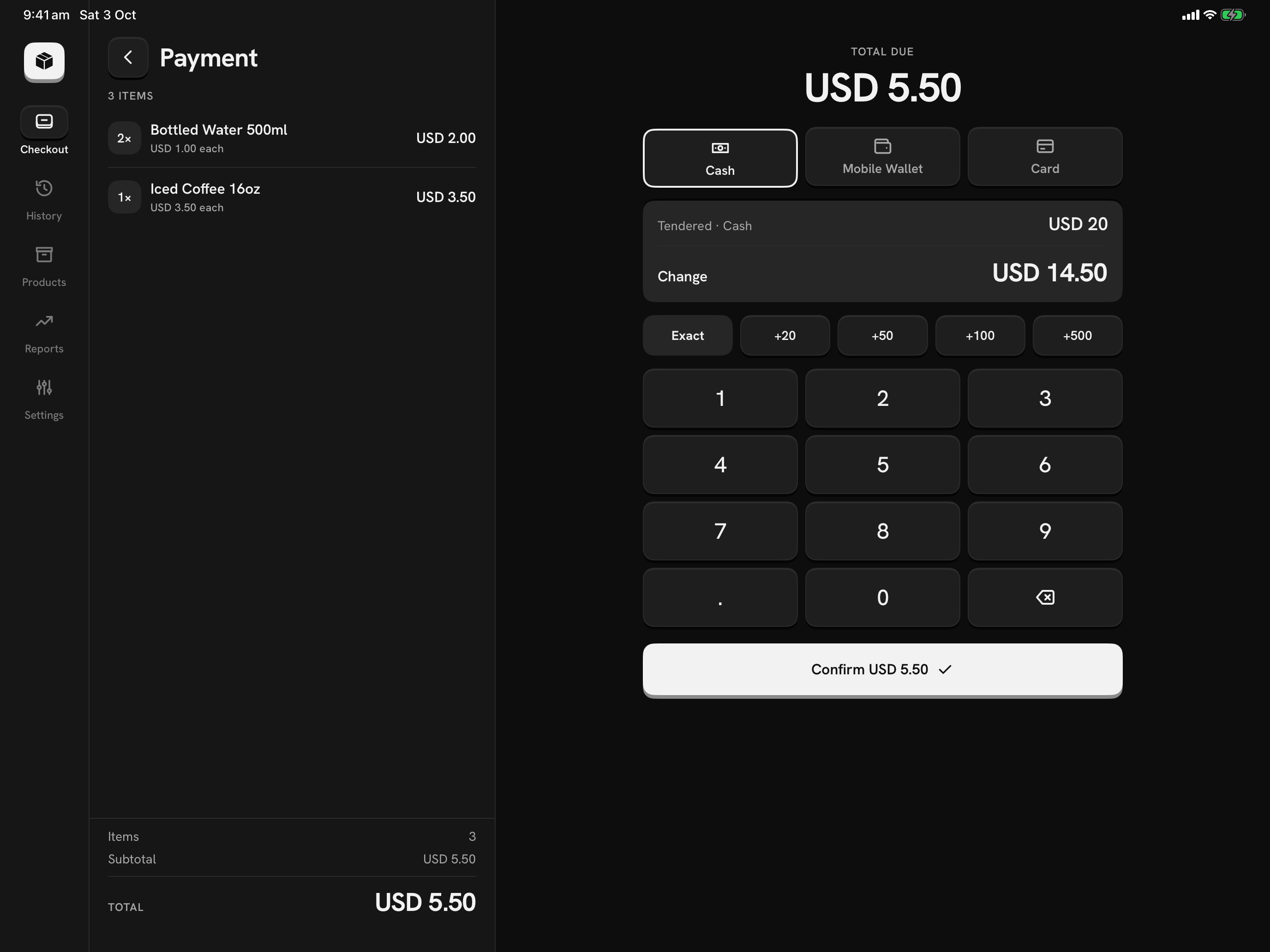
Cash, card and e-wallet all use the same keypad. Tap Exact or a quick amount, and the change to give is shown in large numbers.
Hand over an order bill
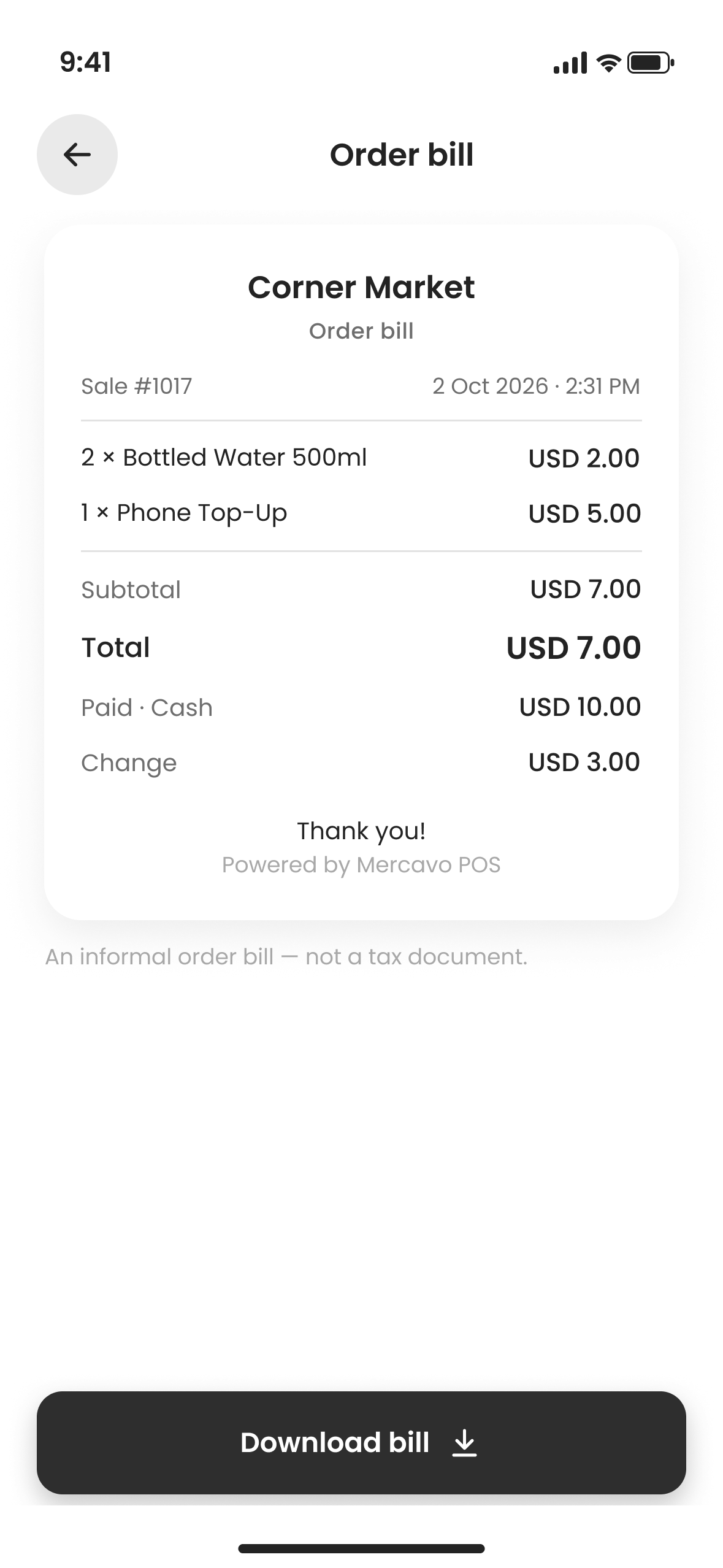
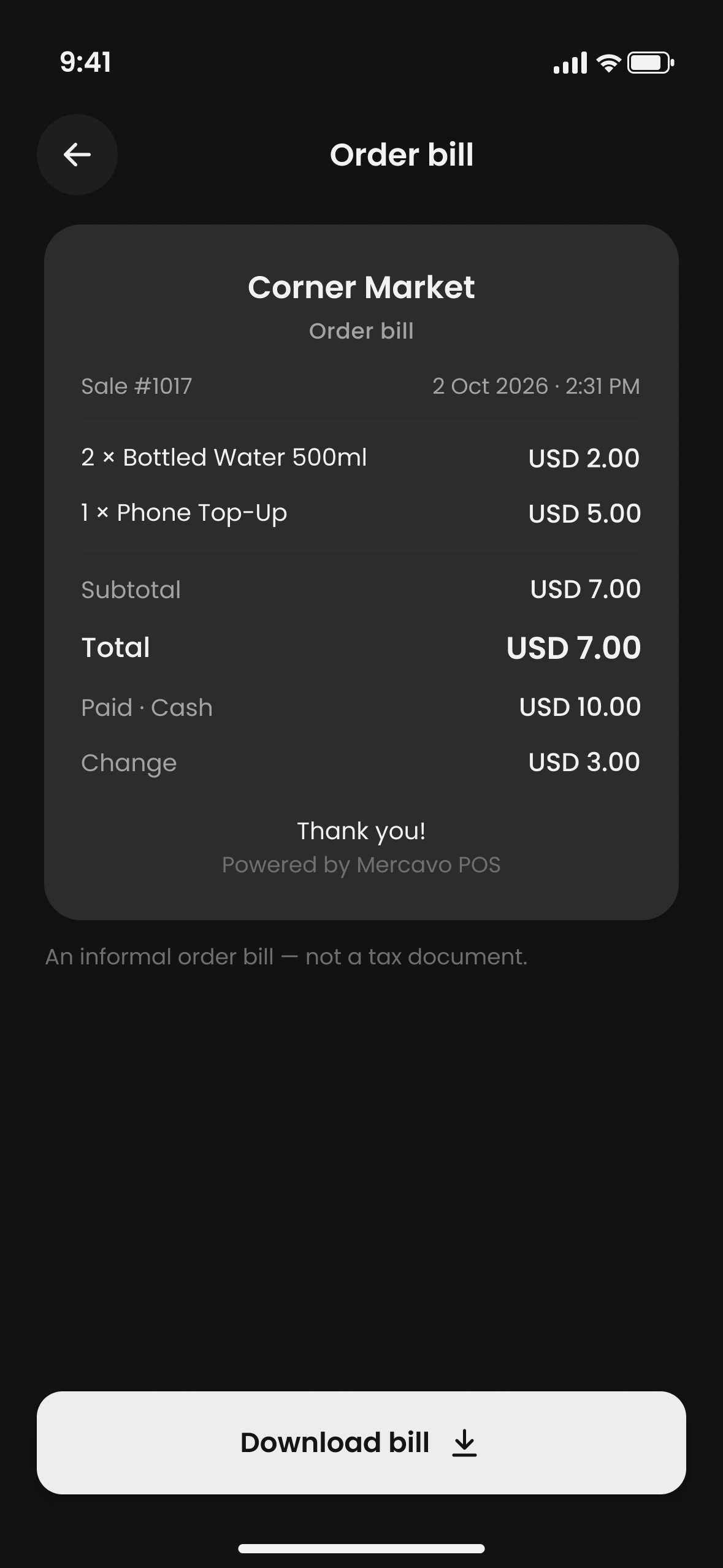
Each sale ends with an informal order bill. Download it as a PDF to print, save or send.
Manage your products
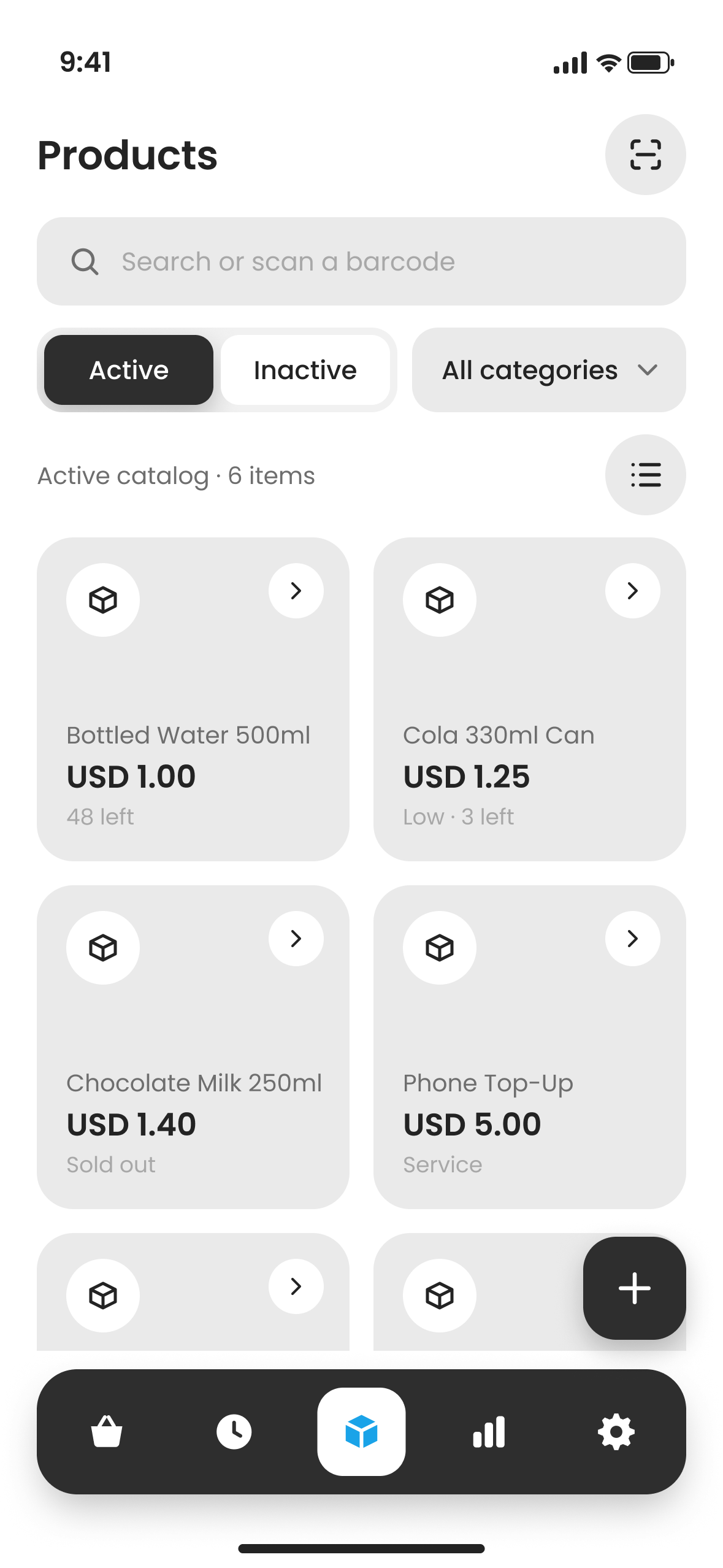
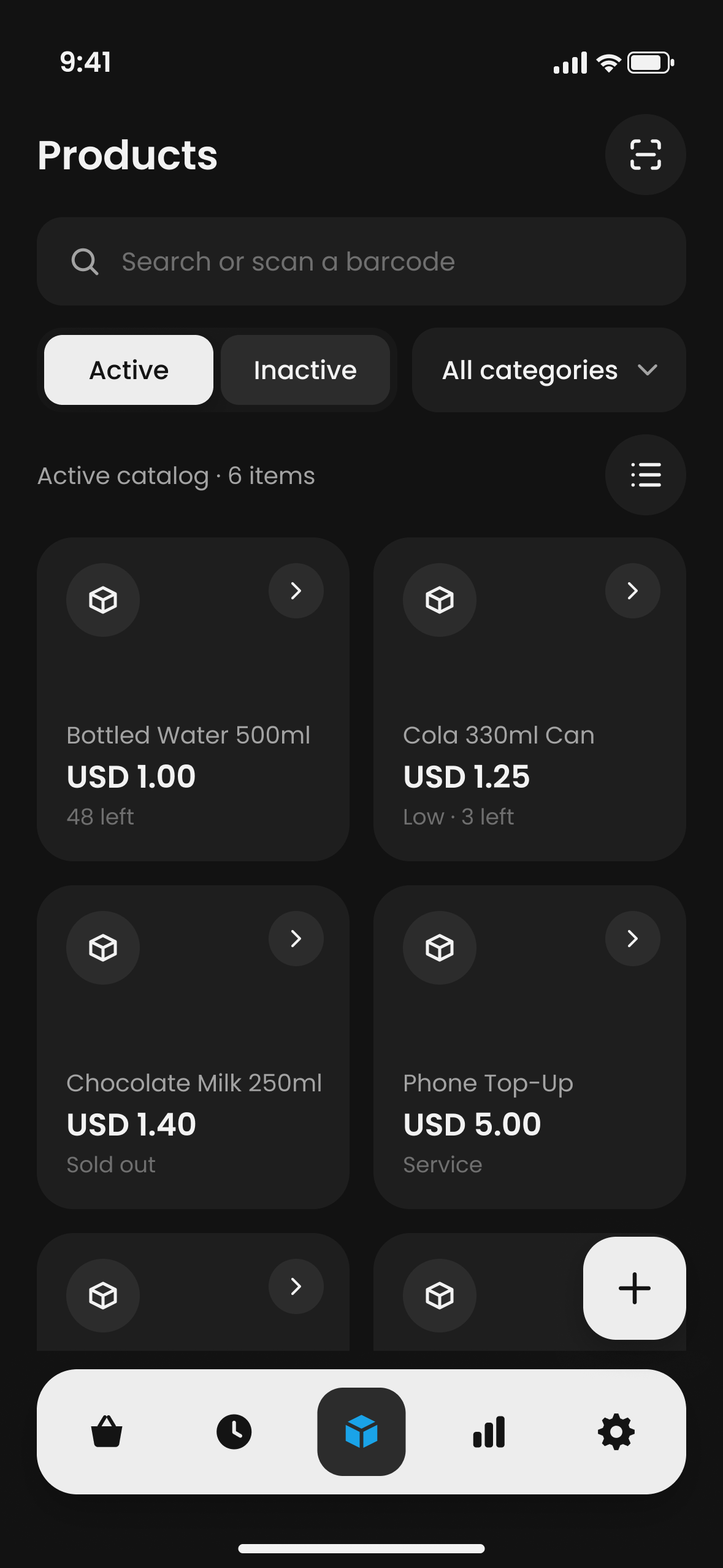
Add products and services, with photos, barcodes and categories if you want them. Stock goes down as you sell, and you add more with one tap.
Find any past sale
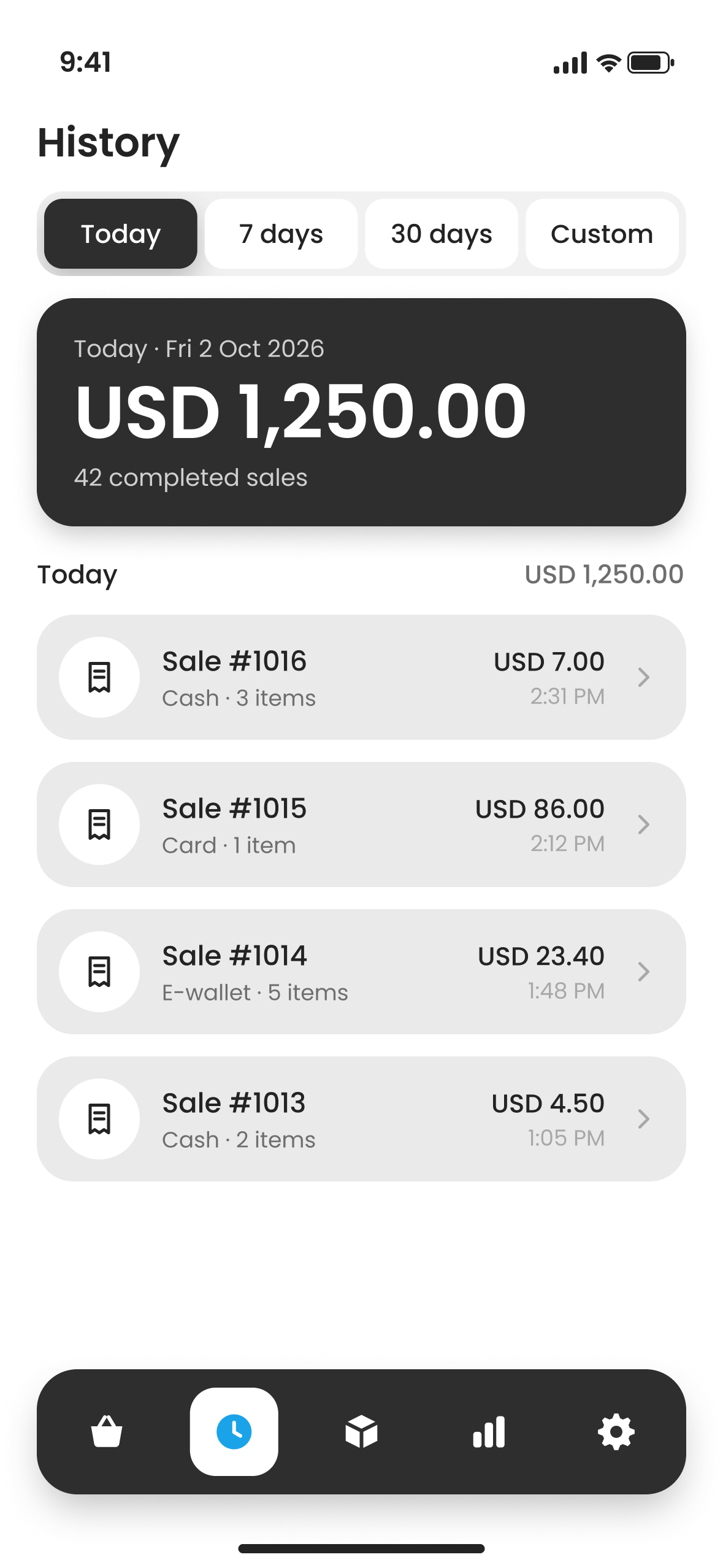
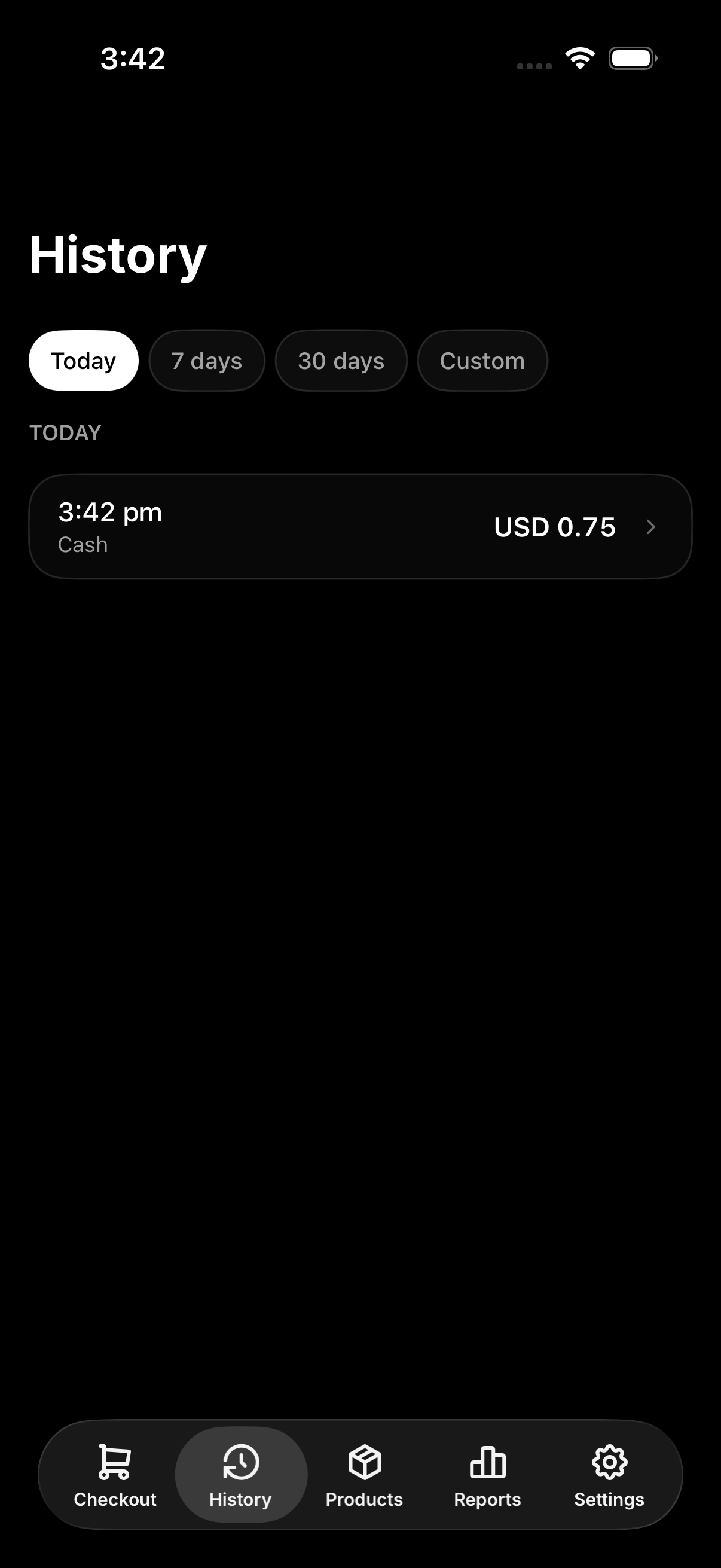
History groups your sales by day and shows each day’s total. Open a sale to see its items, payment and bill.
See how business is going
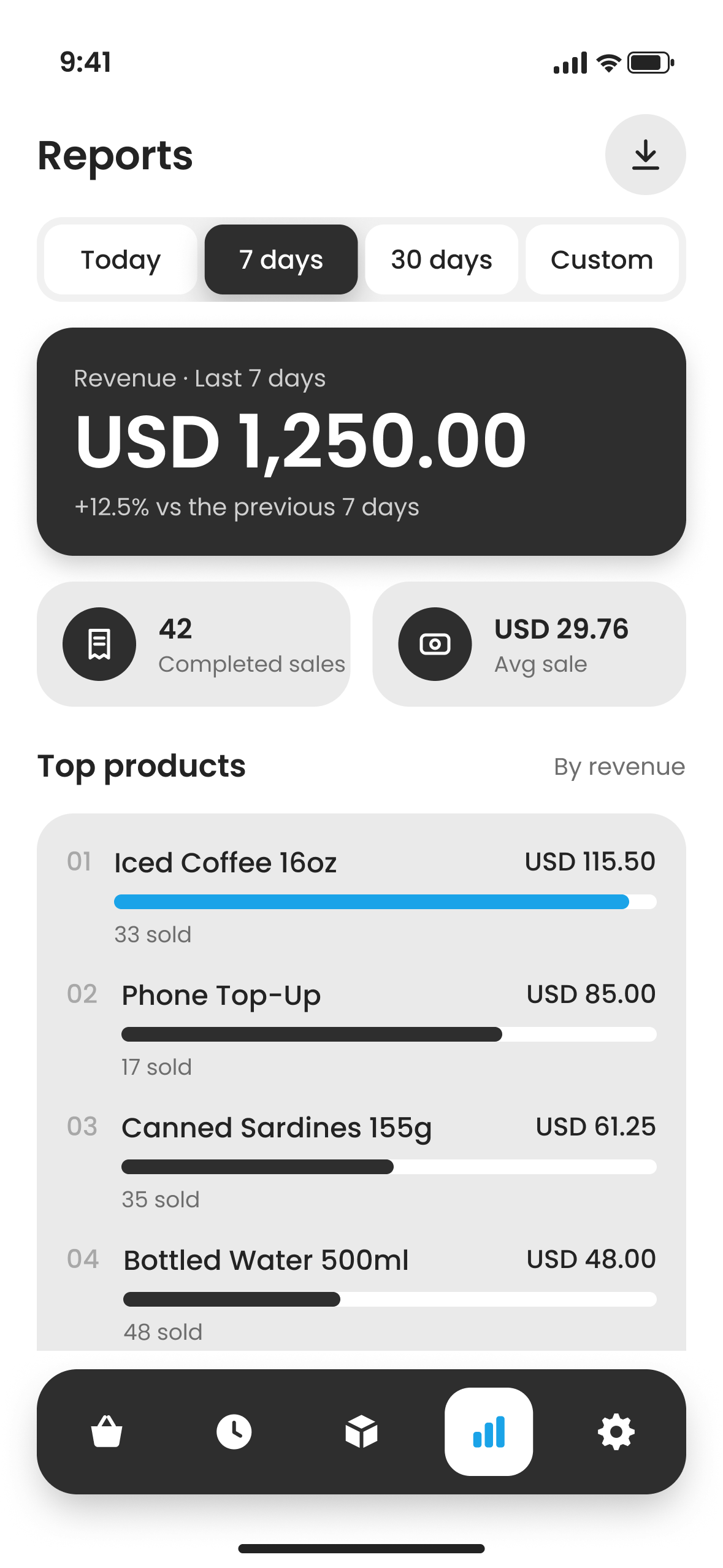
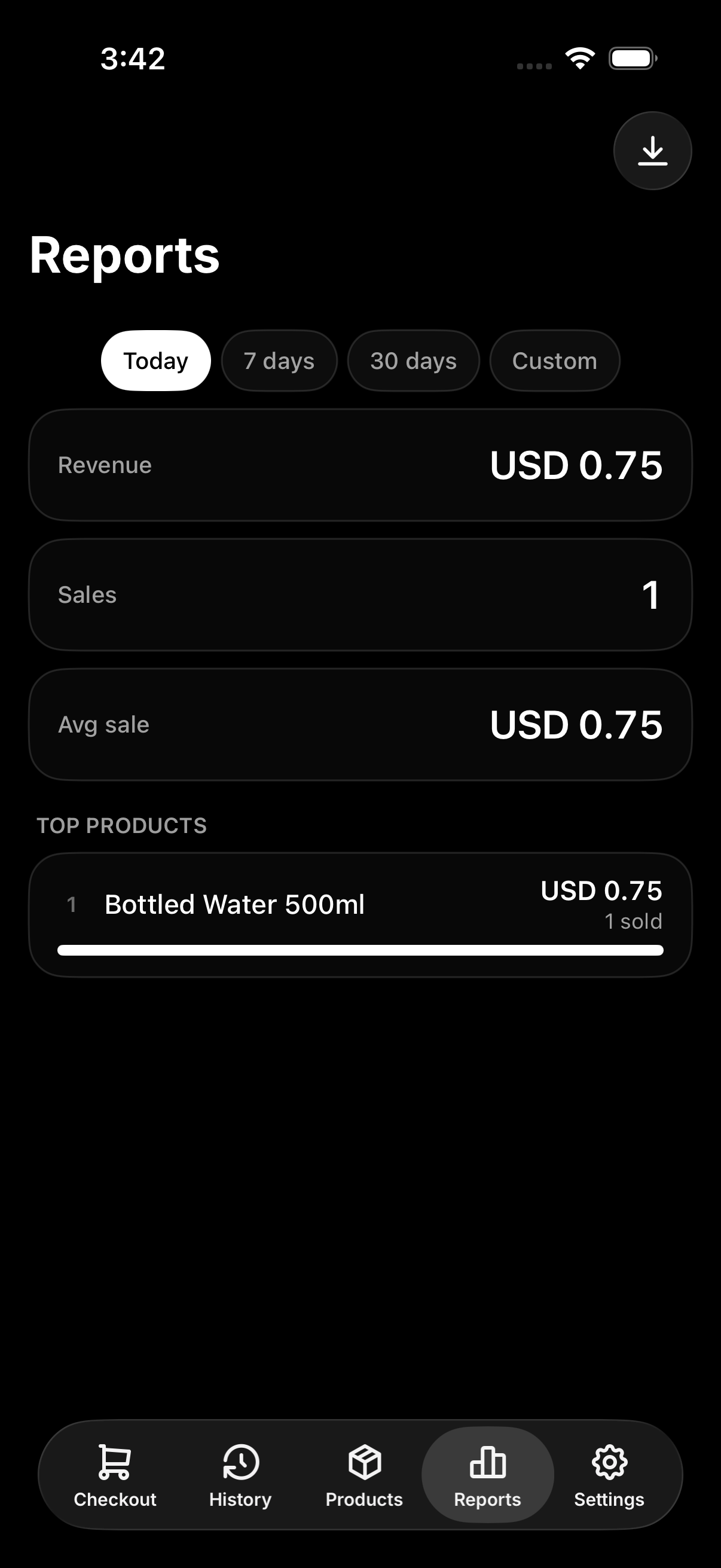
Revenue, top products and payment methods for today, 7 days, 30 days or dates you pick. Export any range as an XLSX spreadsheet.
Your data stays on your device
There’s no account and no cloud. Back up to a file when you want, and restore it on a new device.
- Saved only on this device
- Your sales never leave it
- Back up and restore with one file
- Export reports as XLSX on every device
Bigger on a tablet
On an iPad or Android tablet, the catalog sits next to the current sale and each screen gets a side pane.
See it on a tablet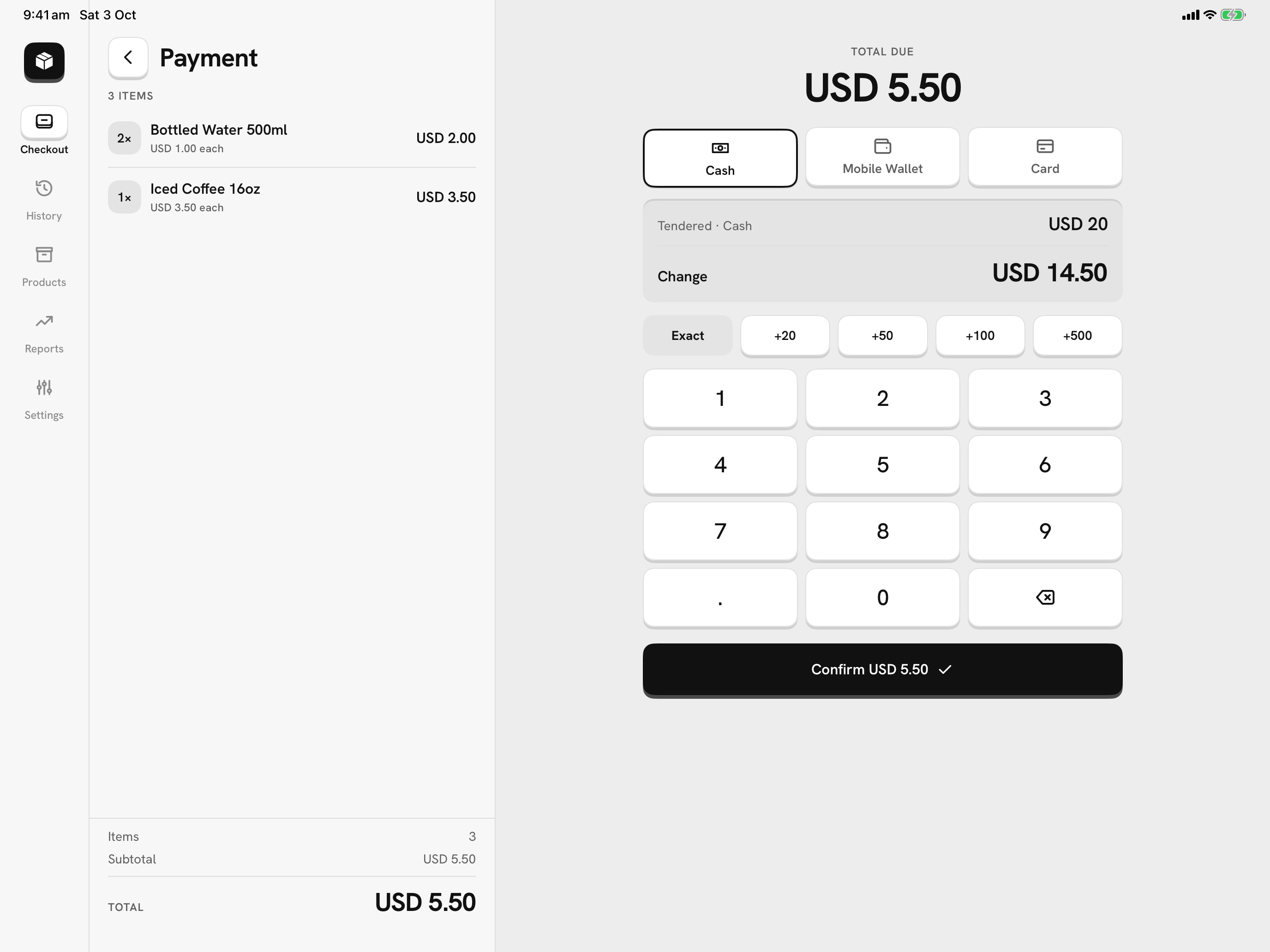
Use it with a keyboard on Windows.
The same app on your PC, in a window. Every action has a shortcut, so you can make a sale without touching the mouse.
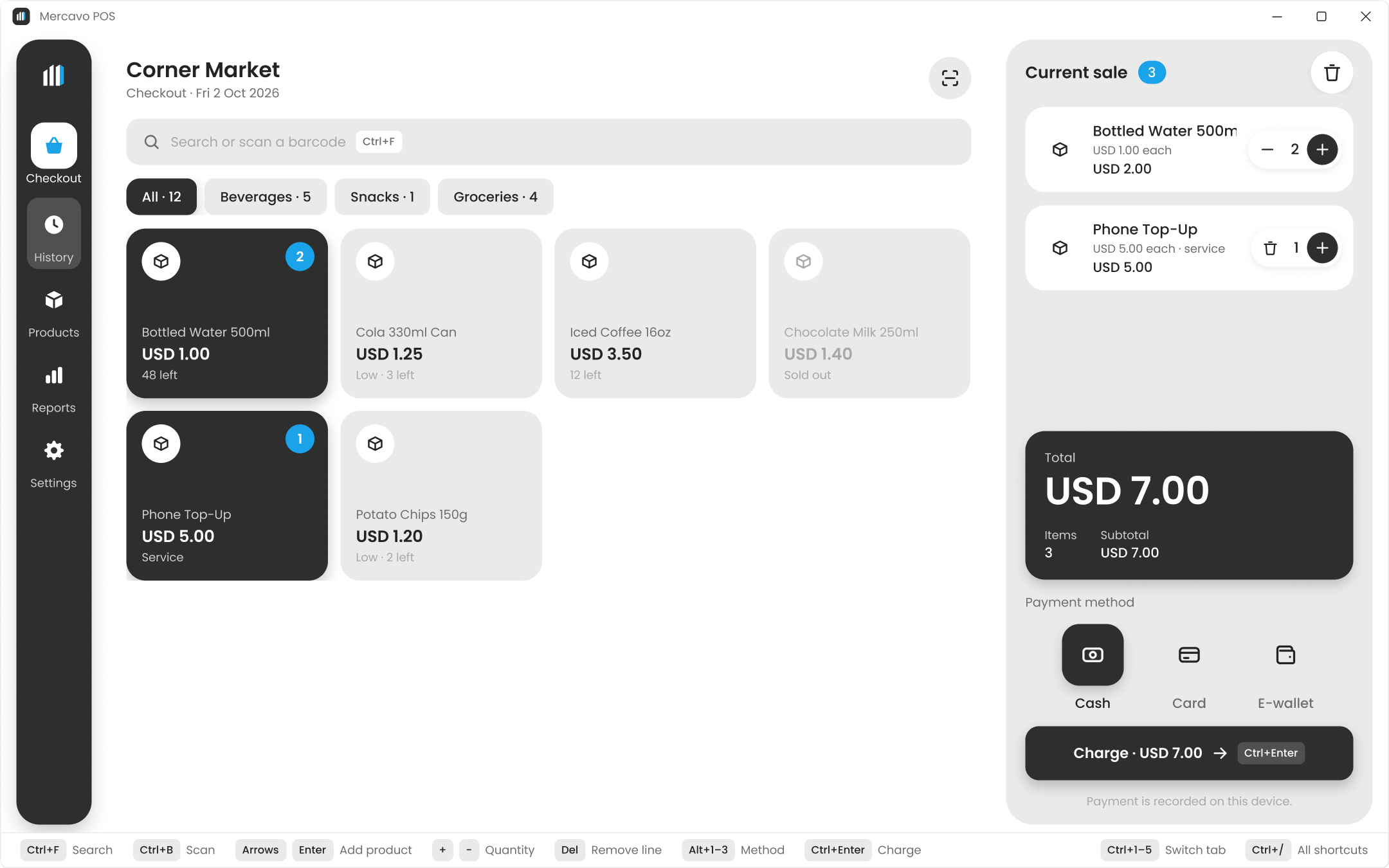
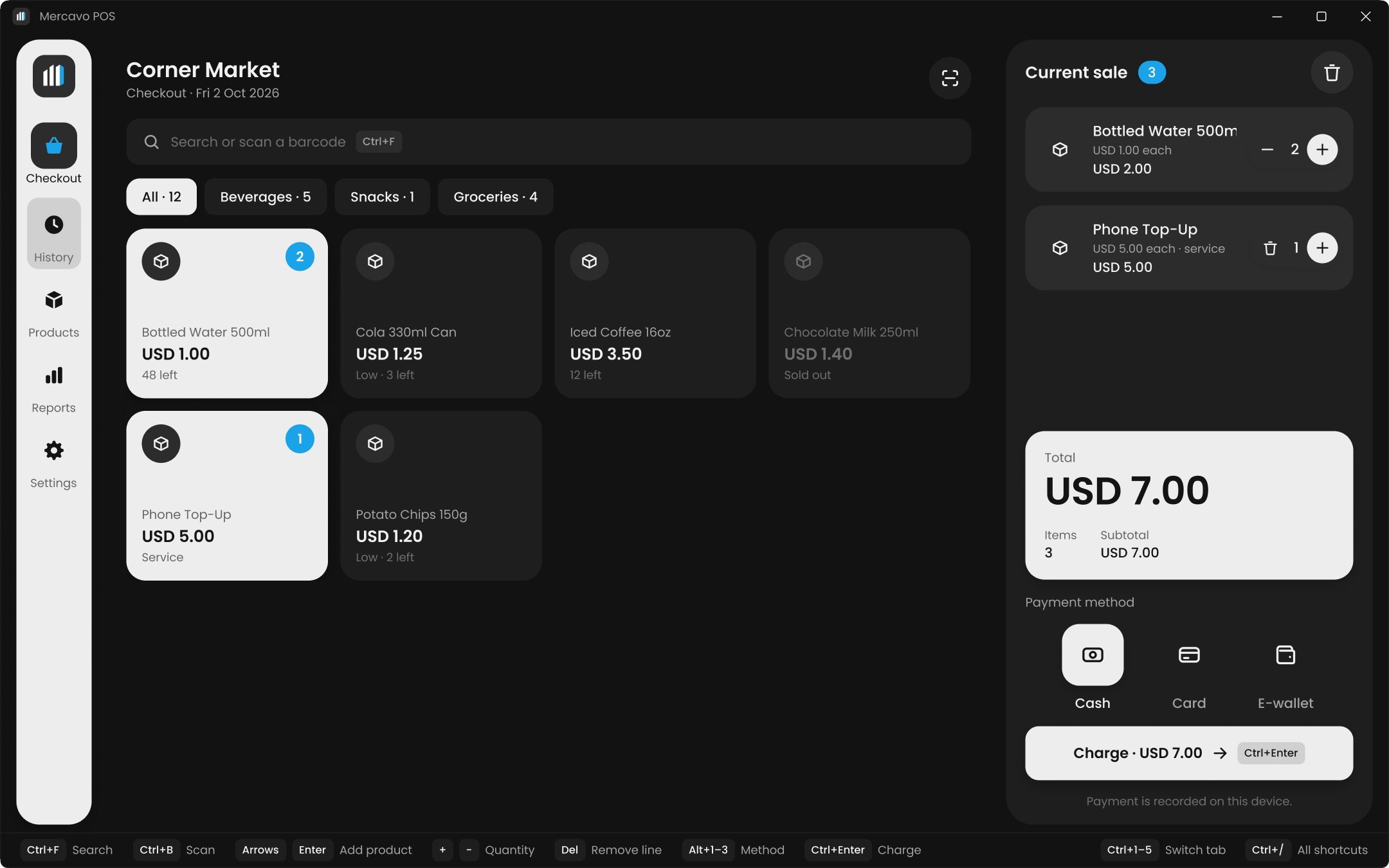
Every action on the keyboard
Charge, search, switch tabs and download a bill with the keyboard. A USB barcode scanner types straight into search.
Buy once, no ads
A one-time purchase from the Microsoft Store. It works fully offline.
Your data stays on your PC
Products, sales and reports are saved on this computer, not on a server. Back up to a file whenever you like.
Every feature is free on mobile.
On iPhone, iPad and Android, one optional purchase removes the ads. That’s all it buys.
Nothing is locked, and there are no limits on products, categories or sales history. A short ad shows when you come back to the app.
- Checkout with search and barcode scanning
- Products and services, with photos and stock
- Cash, card and e-wallet on one keypad
- Order bills as PDF, with your own lines
- History and reports, with XLSX export
- Backup & restore, and dark mode
- Needs a connection while ads are on
A single in-app purchase, not a subscription.
- No ads. The full-screen ad doesn’t show again.
- Works offline. Sell without an internet connection.
- Nothing else changes. You already have every feature.
- Restore it any time with the same store account
Your app store shows the price in your currency. Restore the purchase any time with the same store account.
Common questions
No. Open the app and start selling. There’s nothing to sign up for.
Yes. Mercavo POS for Windows is a one-time purchase from the Microsoft Store. It has no ads, works fully offline, and every action has a keyboard shortcut.
Only on your phone, tablet or PC. Products, sales and reports never leave it, and there is no Mercavo server.
Yes, once you buy Remove Ads Forever. The free version needs a connection while ads are on. On Windows it always works offline.
Two things: no more ads, and no need for an internet connection. Every feature is already free.
No. You pay once through your app store, and you can restore it with the same store account.
Yes. Export a backup file in Settings, then choose Restore from backup when the app first opens on the new device.
No. It’s an informal order bill, not a tax document. You can add your own lines to it, like a tax ID or a thank-you.
Start selling today.
Free on iPhone, iPad and Android. Buy once for Windows.