A counter terminal on your tablet.
The catalog on one side, the current sale on the other, and Charge always in reach. Every screen gets the room to show more.
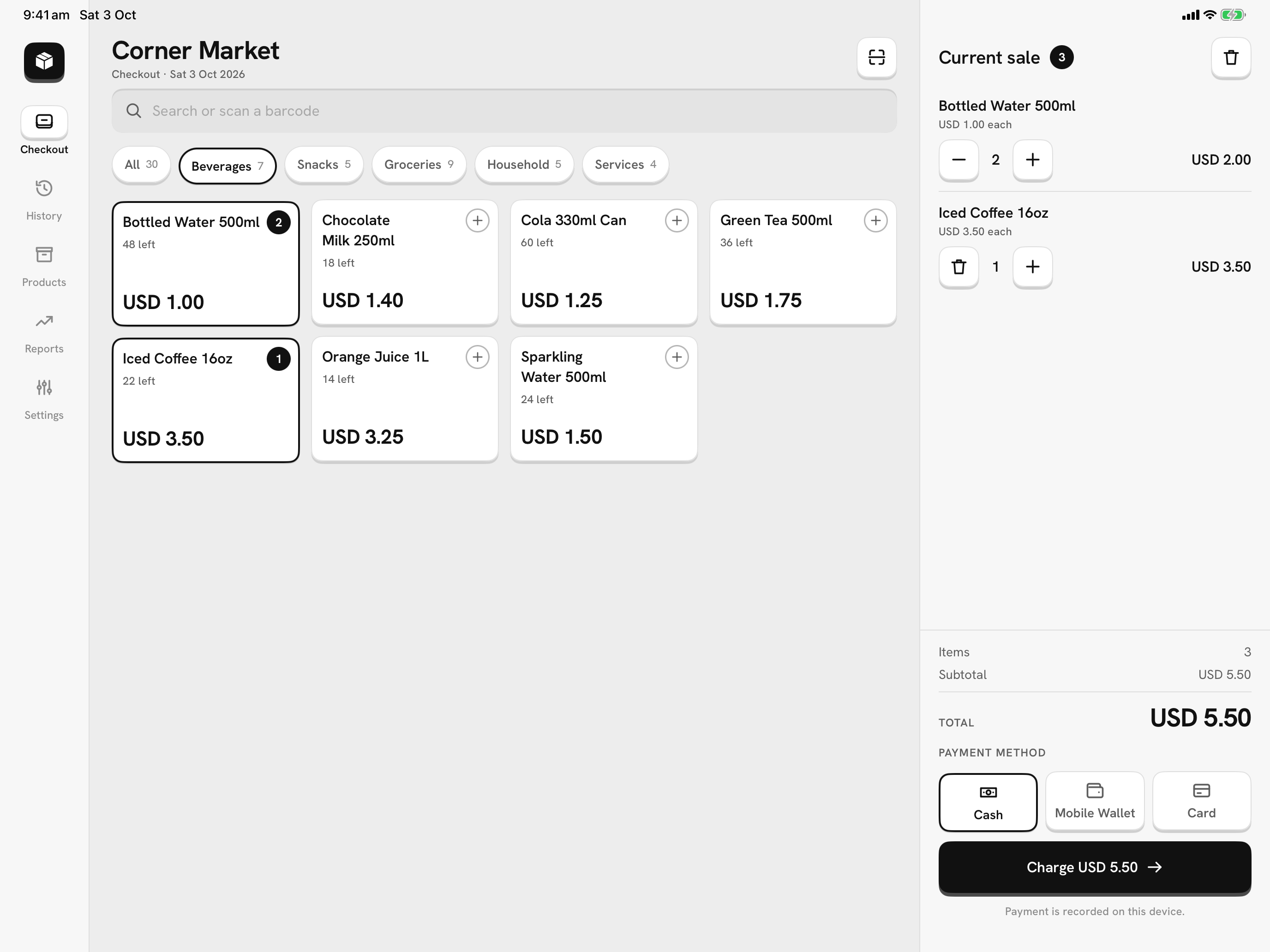
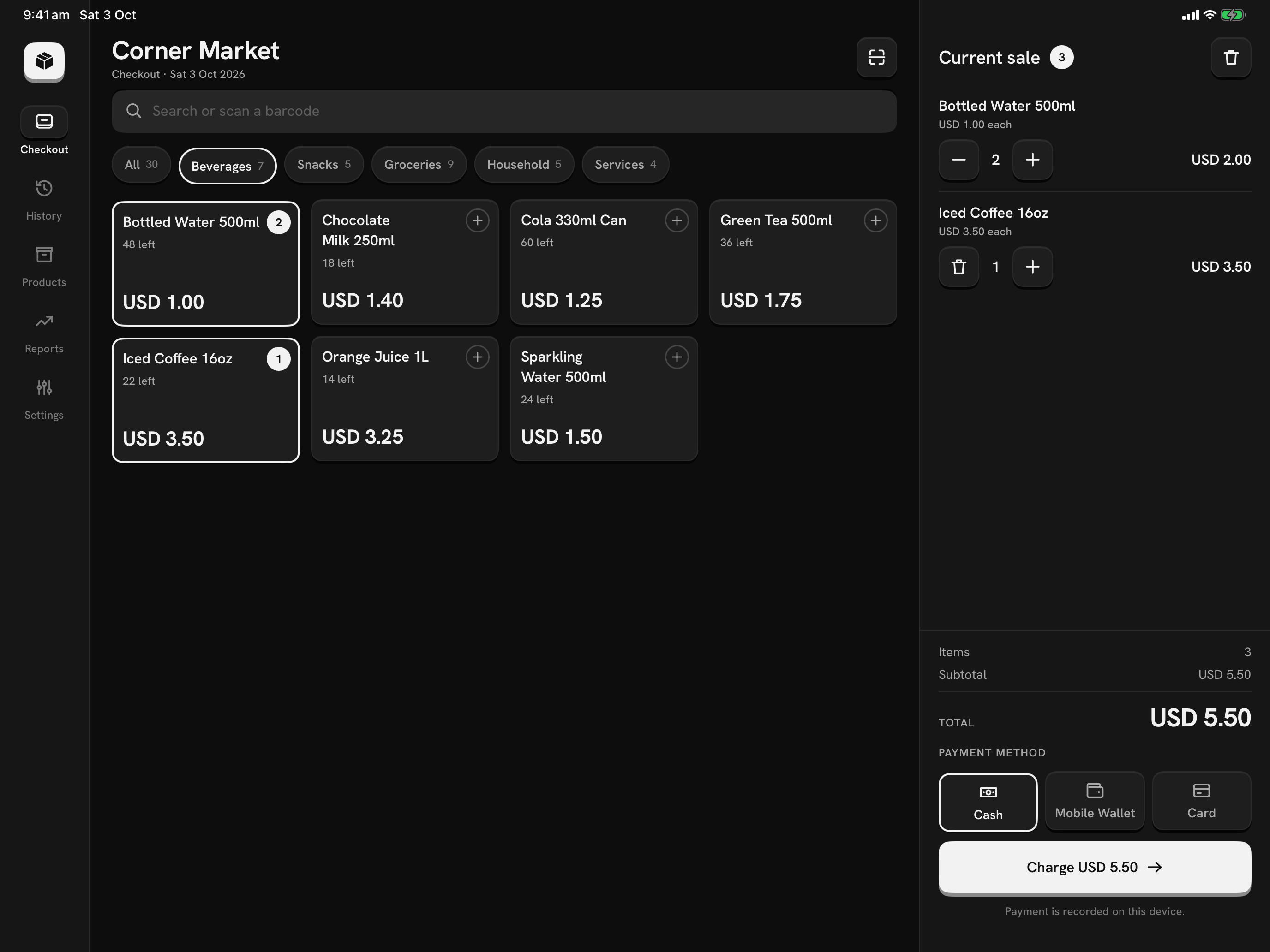
Landscape or portrait
Stand it either way. In portrait the side panes narrow instead of stacking.
The same app as your phone
Every feature works on both. Remove Ads Forever restores on any device with the same store account.
One device, one store
Sales stay on the device that made them. Move a store to a new tablet with a backup file.
Every screen, laid out for the counter.
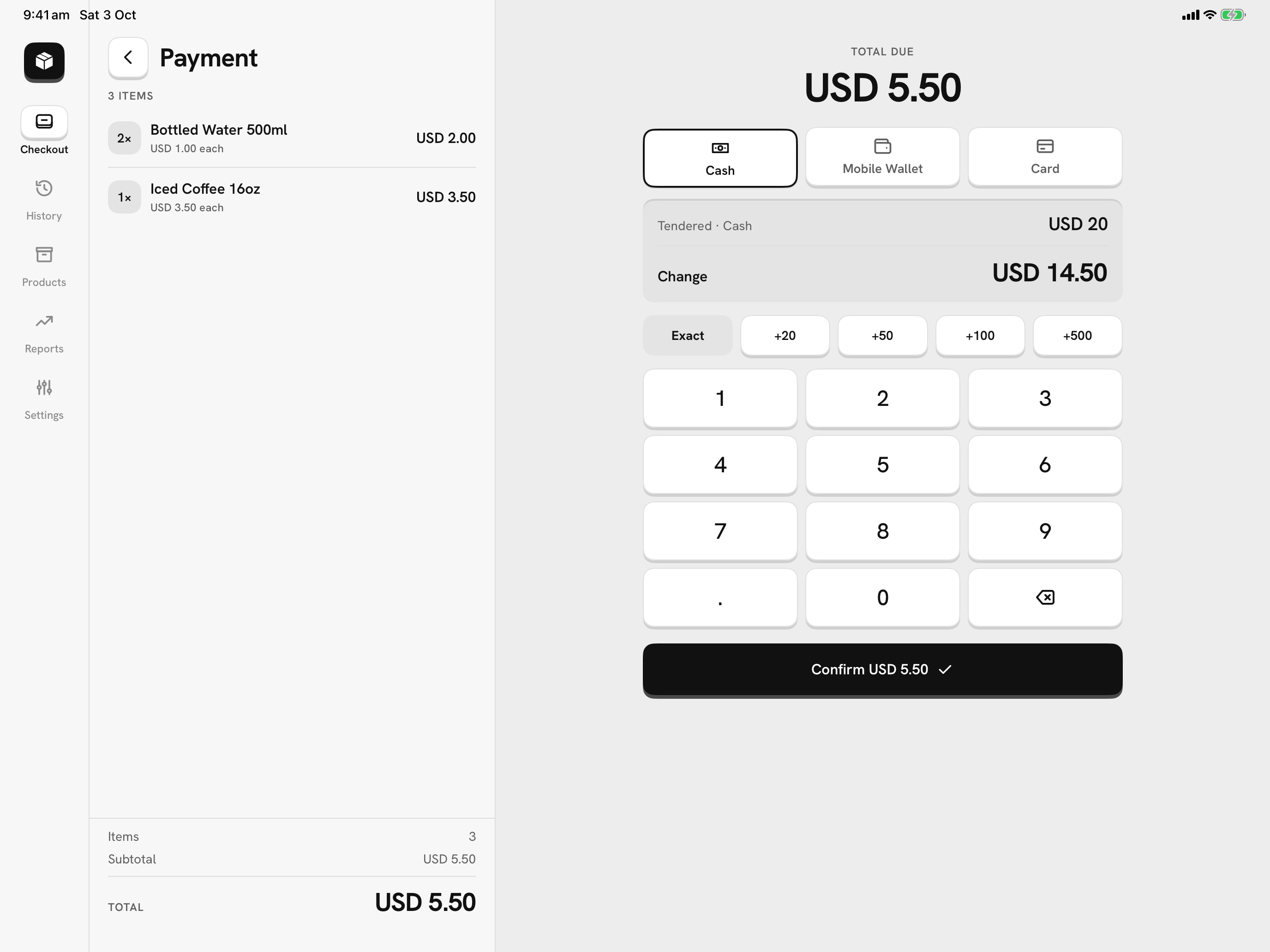
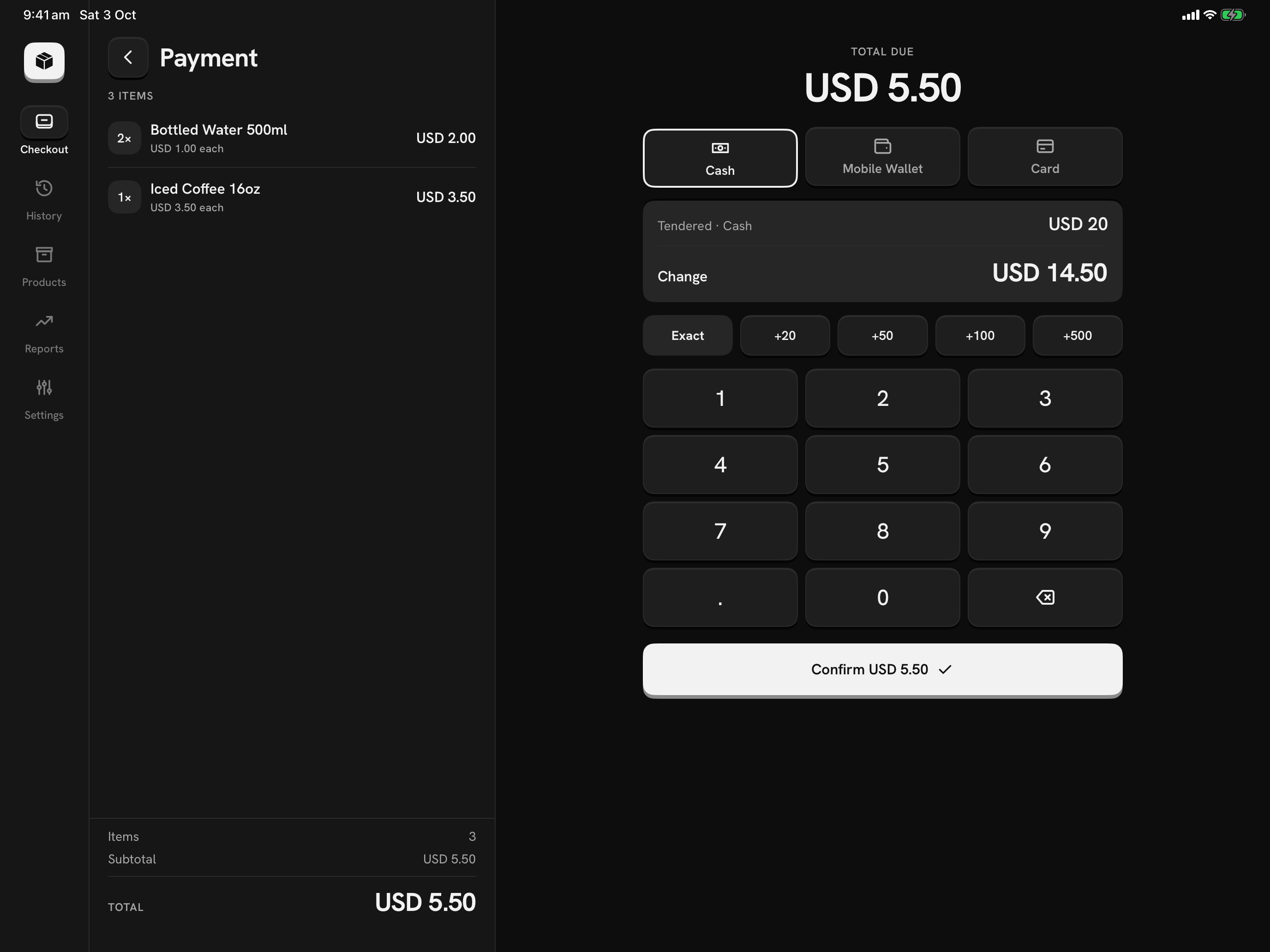
Take payment beside the sale
The lines and the total stay on the left. Method keys, quick amounts, the keypad and the change sit on the right.
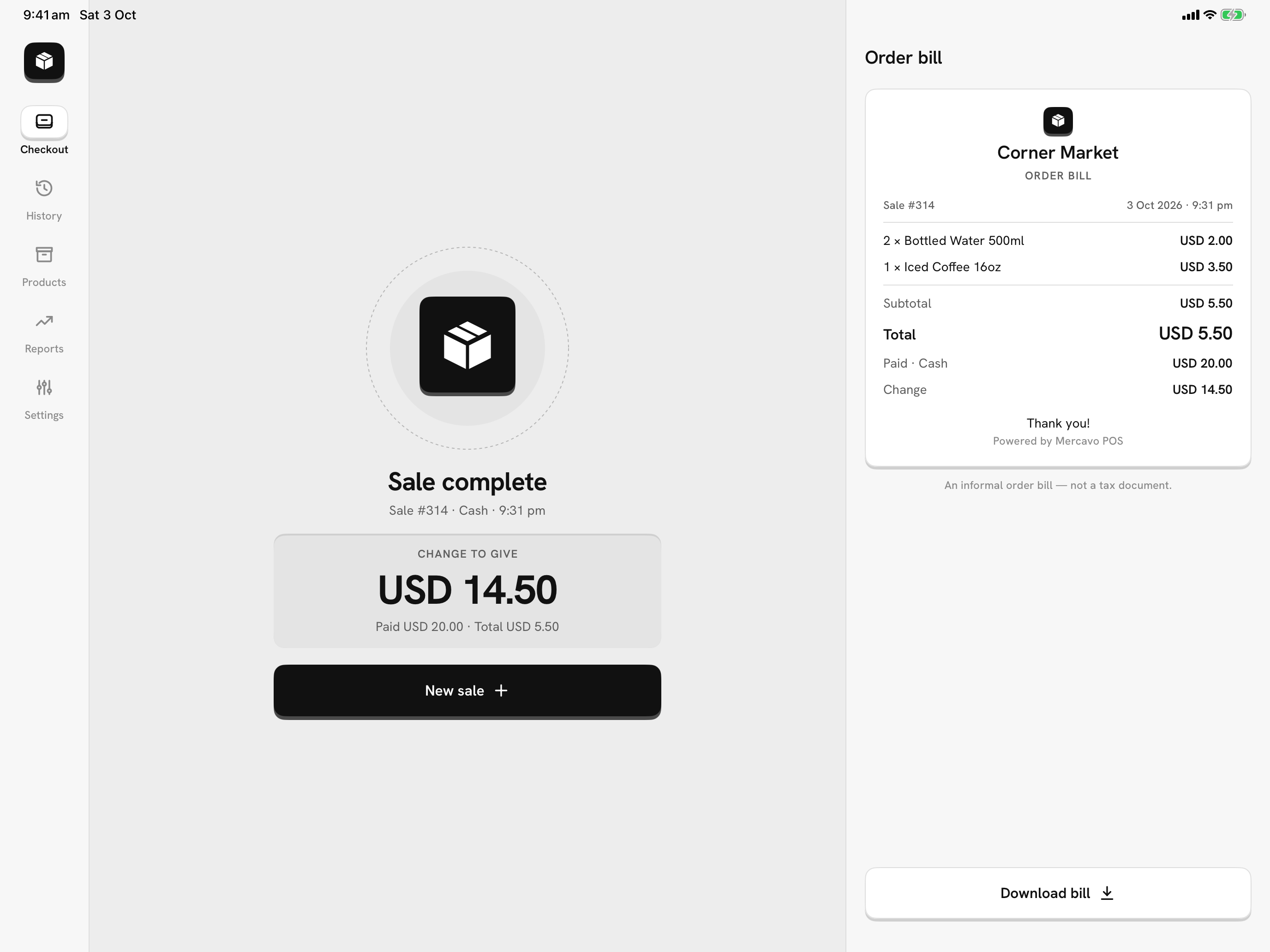
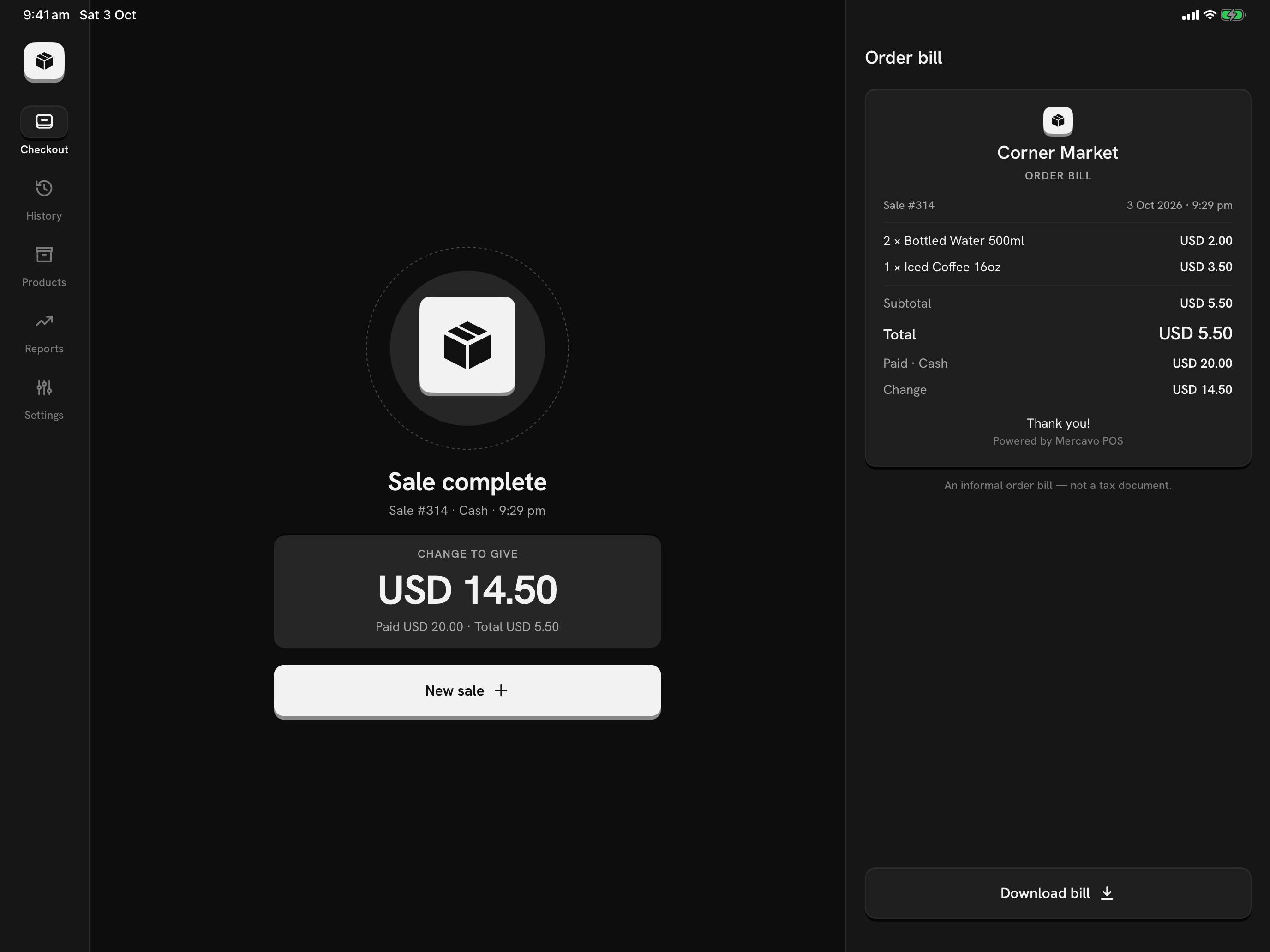
Close the sale, bill at the side
The change to give in big type, and the order bill right next to it, ready to download as a PDF.
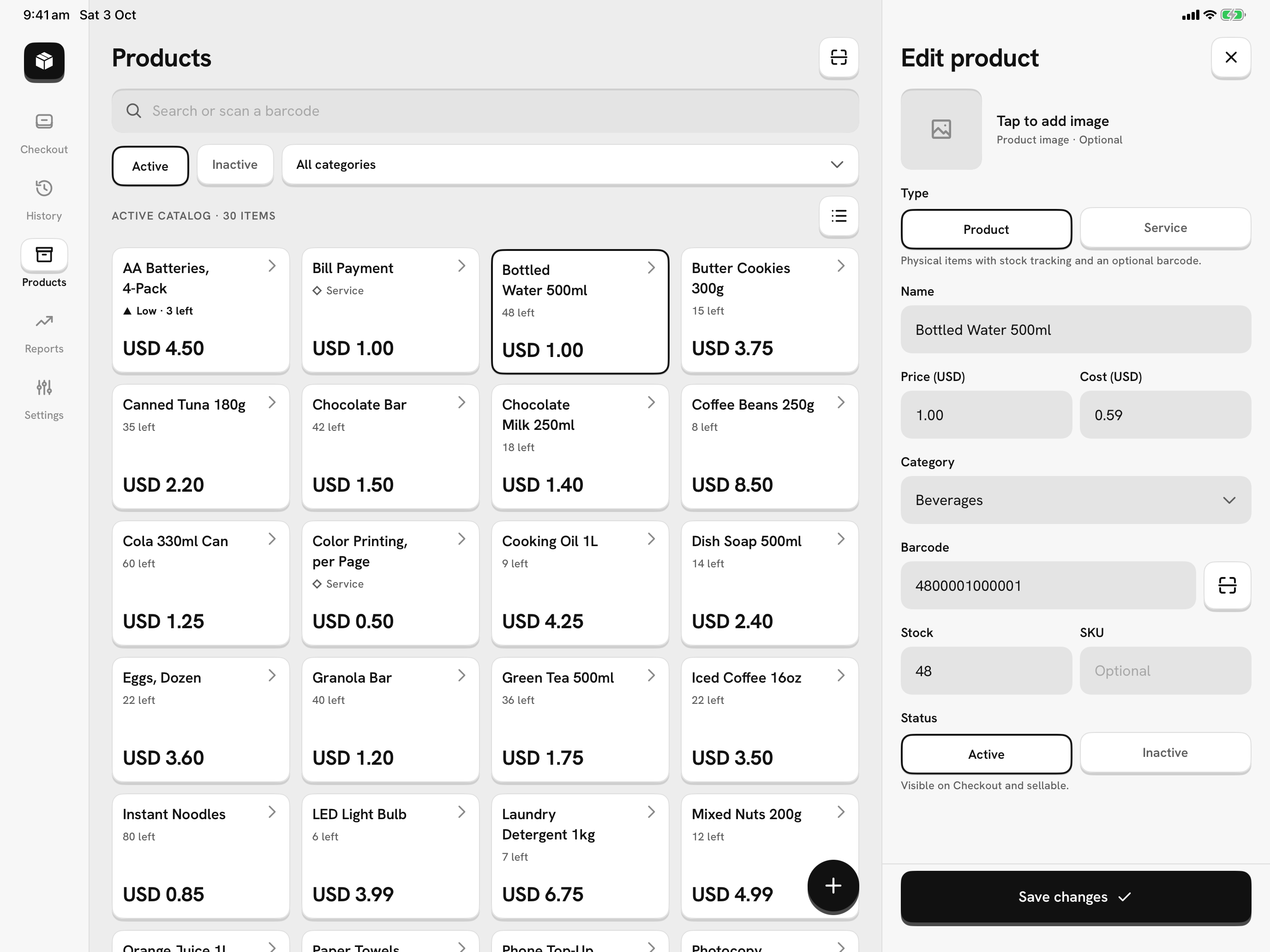
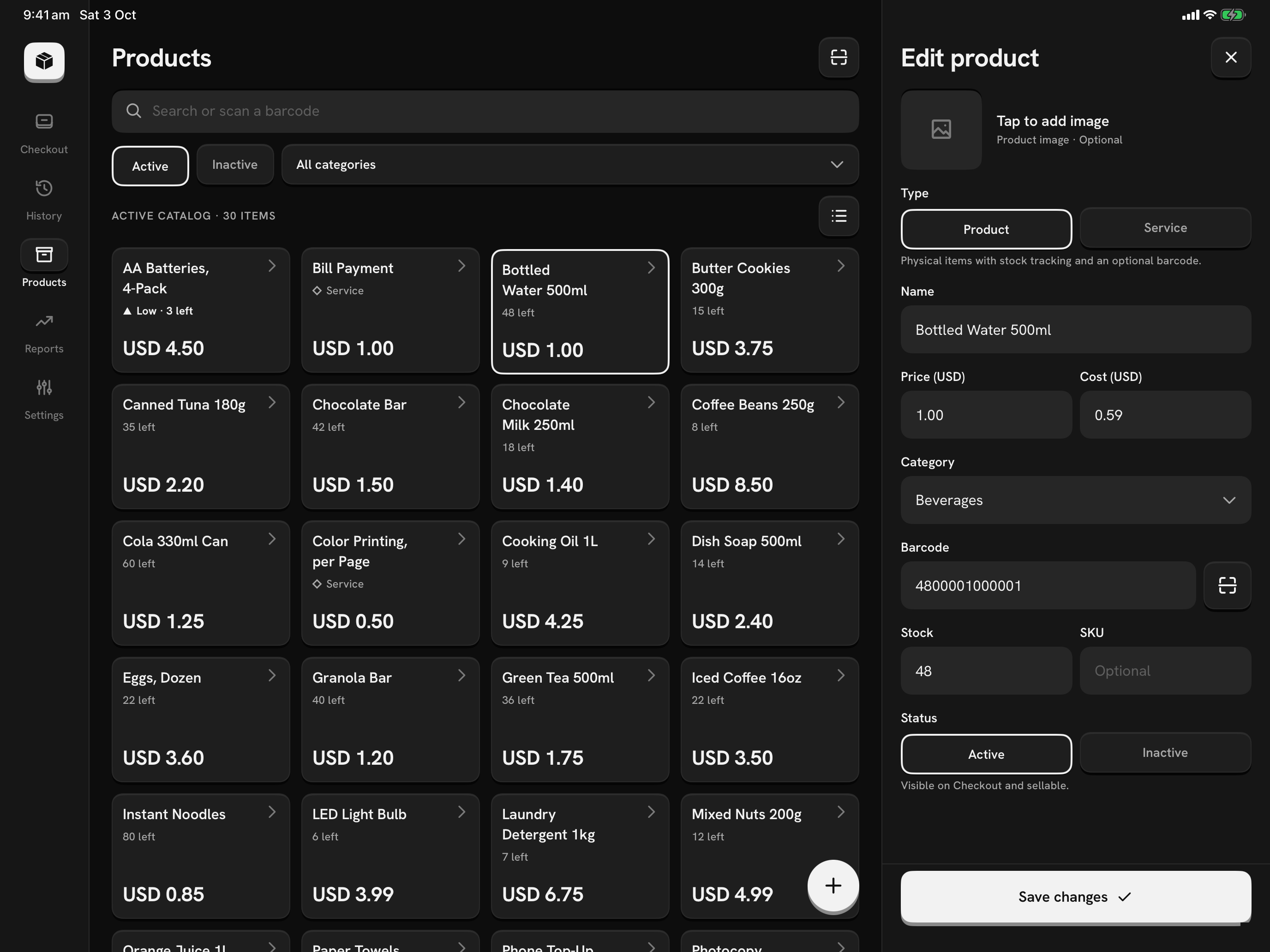
Edit without losing your place
Pick a product and edit it in the side pane: price, cost, stock, barcode, photo and status.
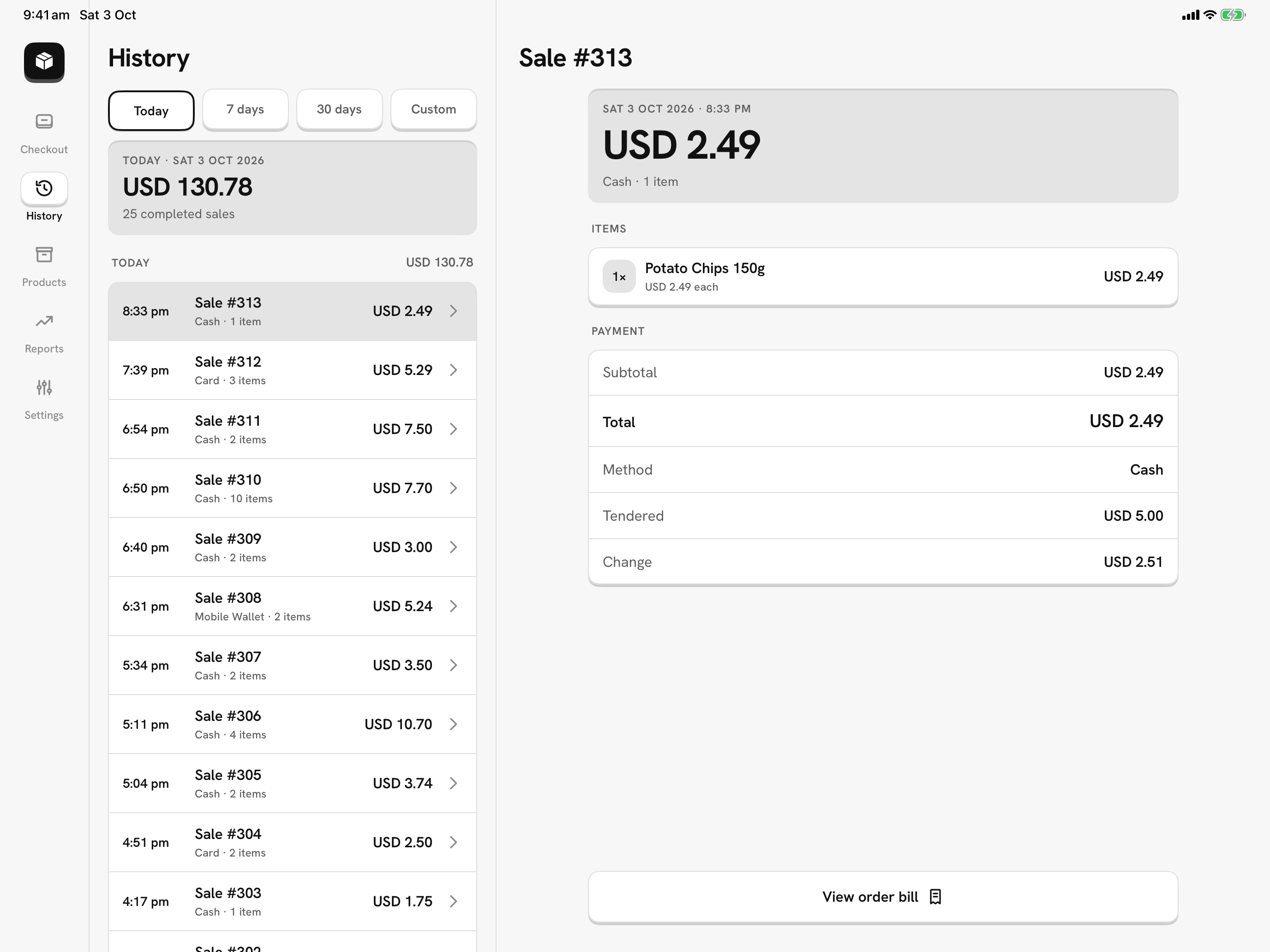
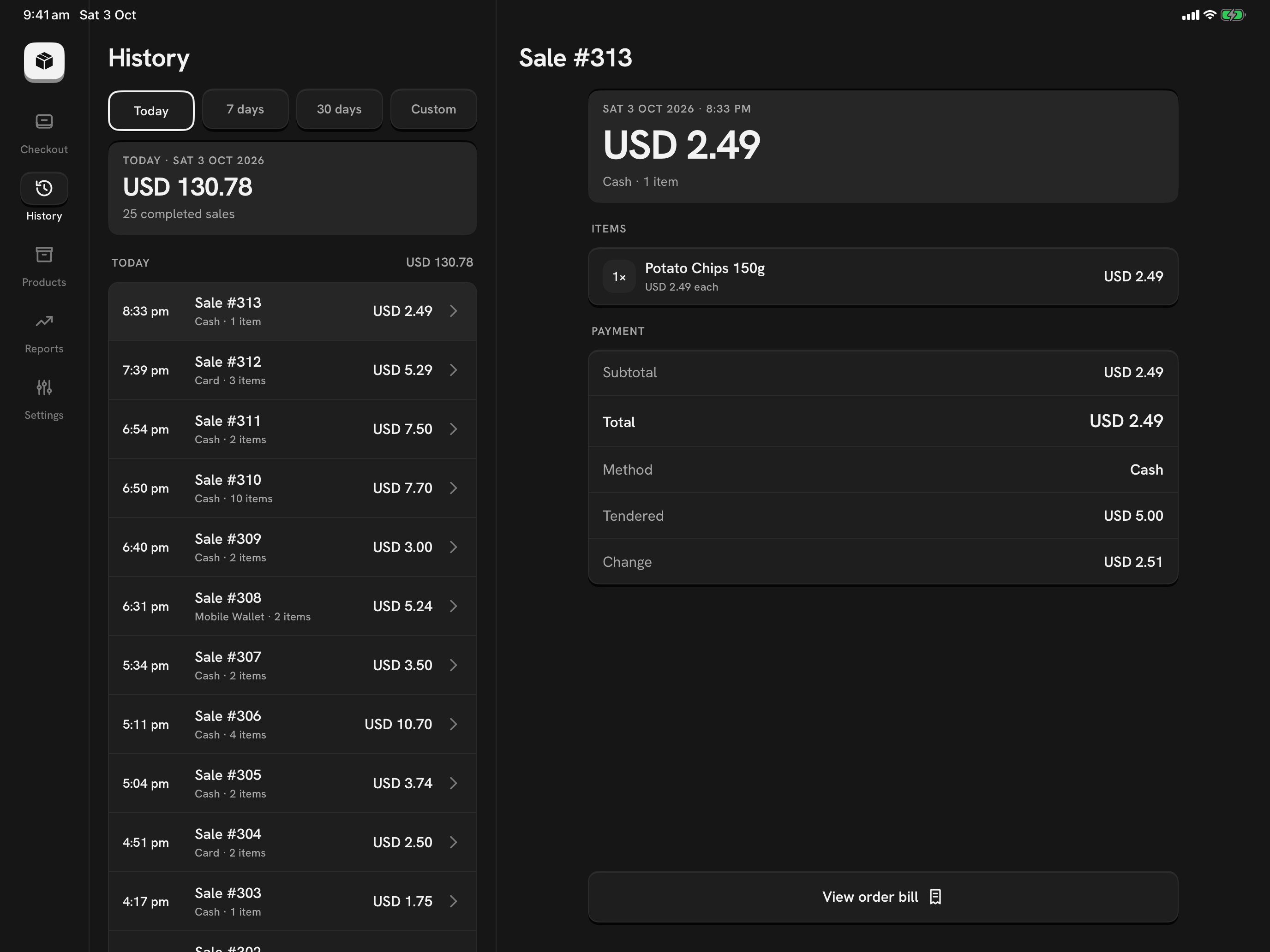
Every sale and its details
Sales grouped by day on the left. Tap one to see its items and payment on the right.
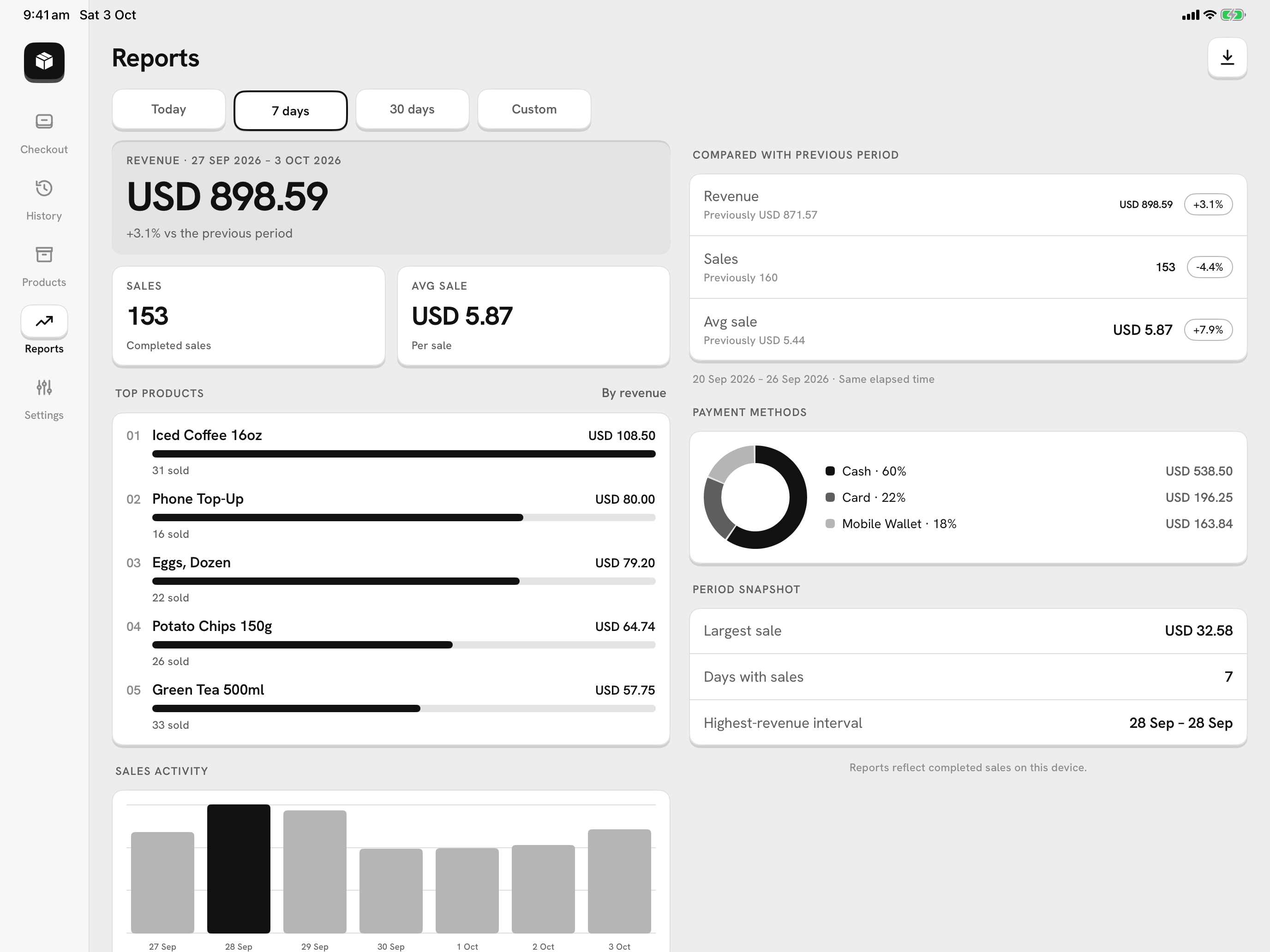
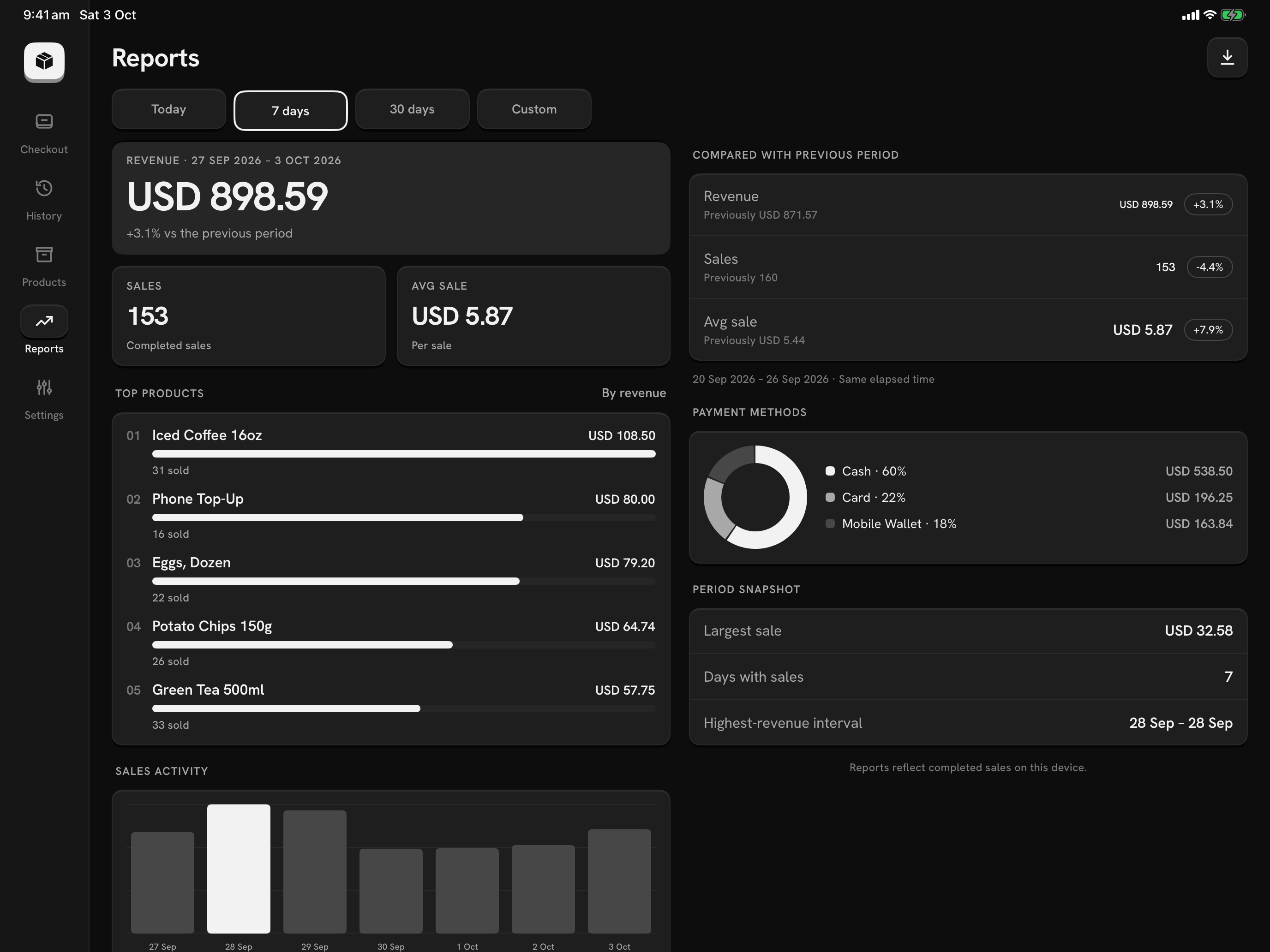
Reports in two columns
Revenue, top products, payment methods and the previous period, side by side.
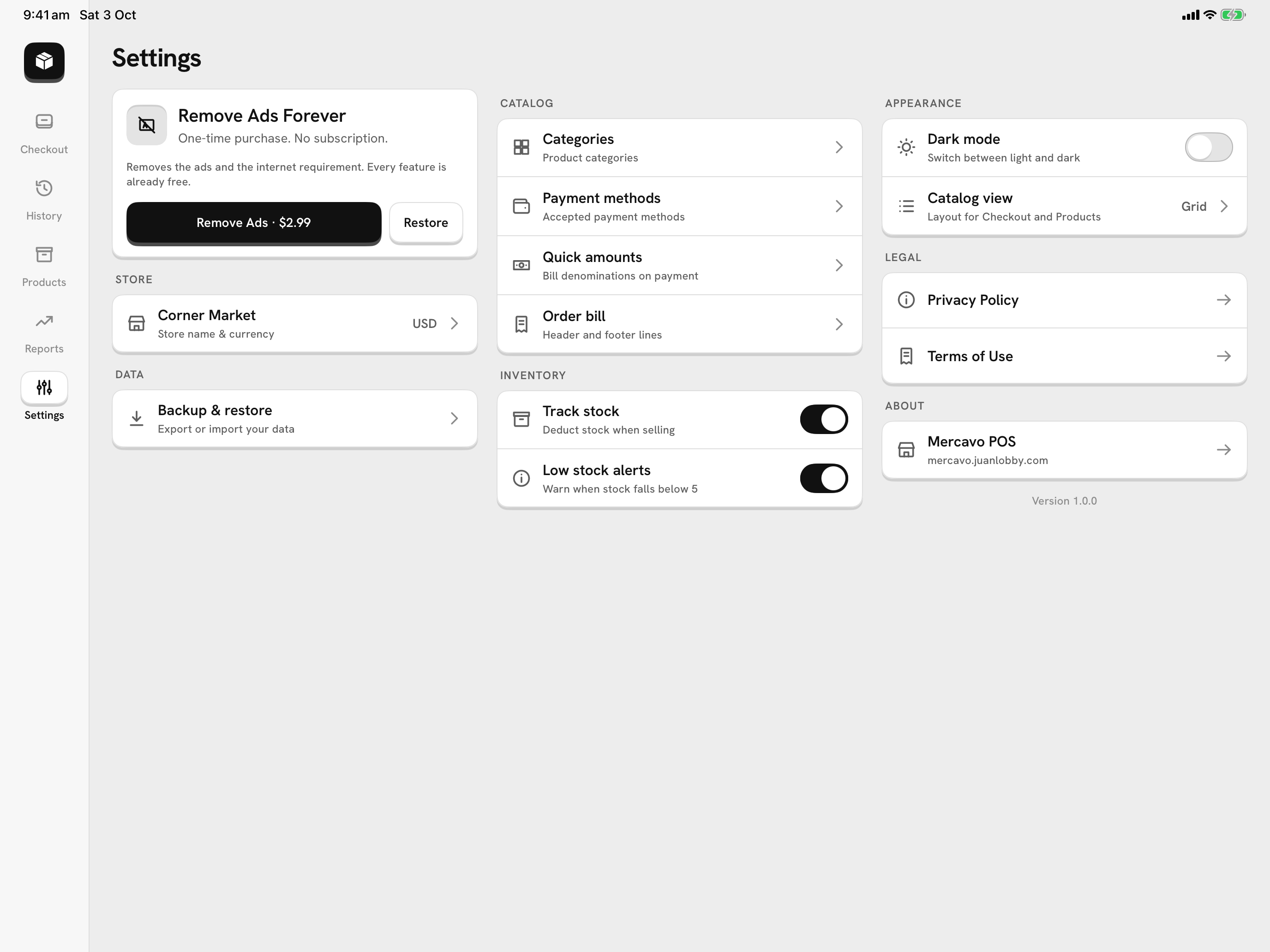
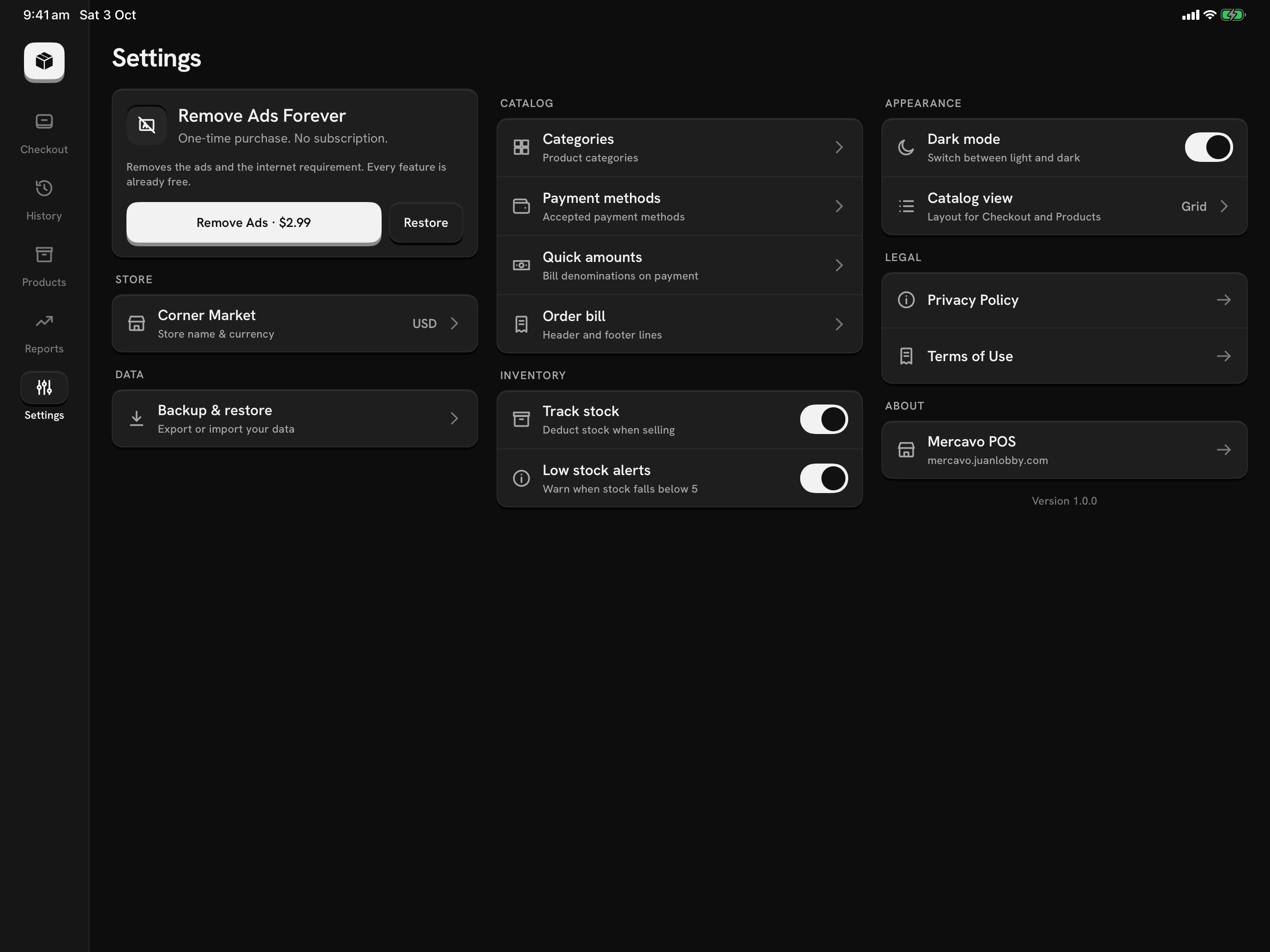
Settings at a glance
Store, catalog, data, inventory and appearance in three columns, one tap from each page.
Shown on an iPad Pro 13-inch in landscape. Android tablets use the same layout.
Set up your counter tablet.
Free on iPad and Android tablets, and on phones too.